Explore AI image examples and prompts for Image creation. See current model pricing. MiniMax H3 promotional original 768P: $0.0444 per output video second, minimum 4 seconds. Fixed-price GPT images: from $0.17652 per output image.
Professional Product Ad Redesign
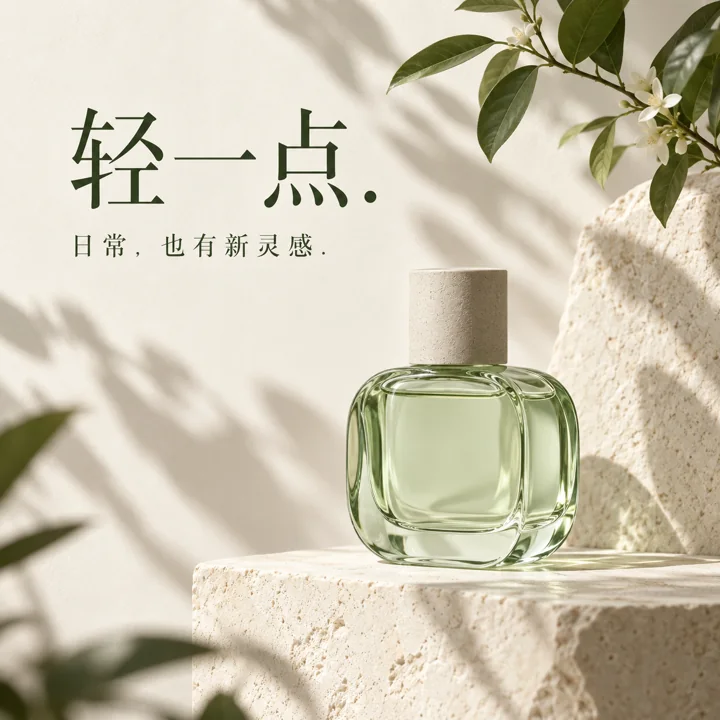
Design a product advertisement featuring “Mint-green fragrance bottle”. Contrast cream-colored paper with deep green, place the bottle in the lower right of the image, use soft side lighting to emphasize its material, and add delicate plant shadows to complement the setting. Set the large headline “轻一点” in the upper left, with the smaller text “日常,也有新灵感” underneath. Maintain a clear hierarchy between text, product, and negative space, like a complete commercial poster. Use a square composition and do not add third-party logos.
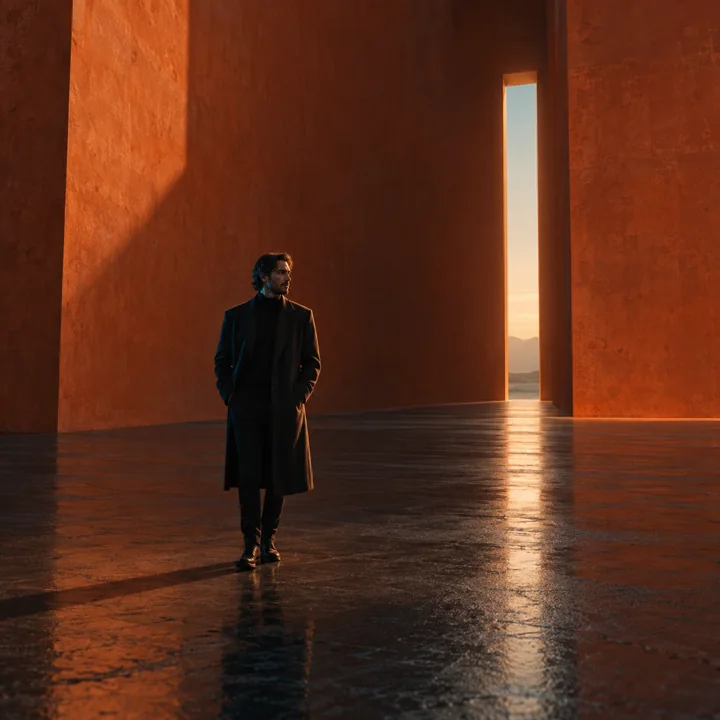
Photograph a full-body cinematic portrait of “Adult man wearing a dark coat”. Place the person at the center of a wide, empty, warm orange space, with only a narrow illuminated doorway behind them and faint cool light illuminating their face in profile. Leave a large area of dark floor in the foreground, faintly reflecting the person's silhouette. Make the image solemn and quiet, with a simple composition and a realistic human appearance. Add no text and use a square frame.
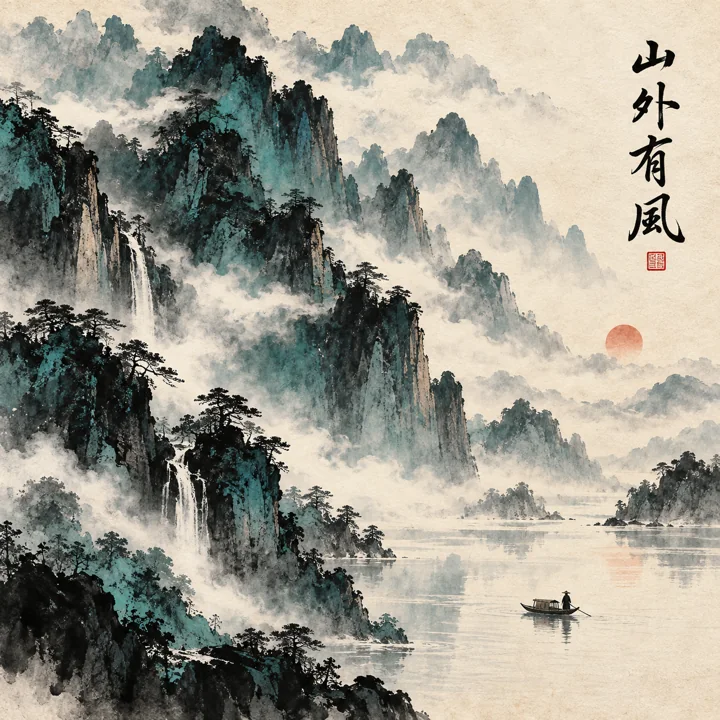
Create a contemporary ink poster on the theme of “Mountain ridges in mist and a small boat”. Render distant mountains in layers of spreading blue-green ink, with negative space resembling flowing clouds and only a tiny warm red accent nearby. Retain the fibers of xuan paper and water marks, and let the composition extend upward. Set the short title “山外有风” on the right, accompanied by a small red seal. Combine contemporary design with the poetic atmosphere of an East Asian landscape, in a square format.
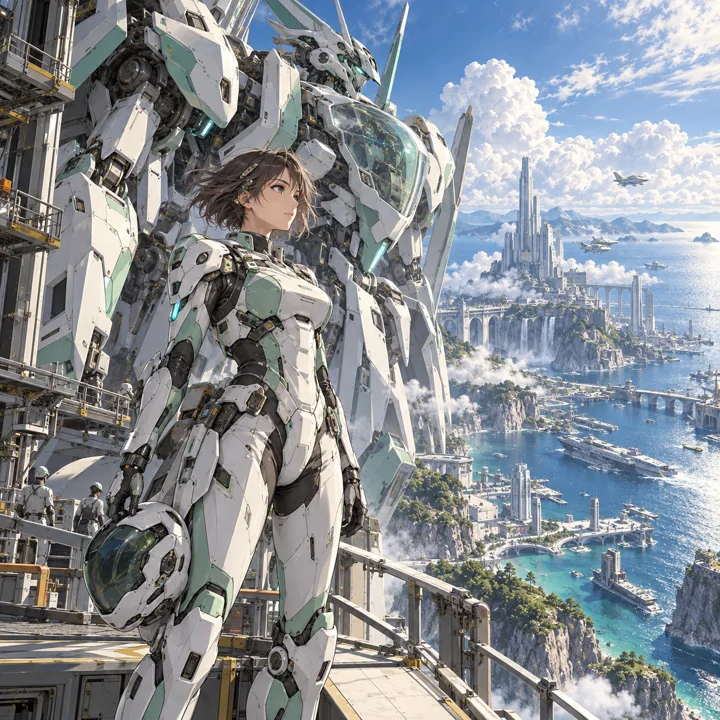
Draw a science-fiction animation key visual featuring “Adult female pilot wearing white and mint-green mecha armor”. The character stands on a maintenance platform in a futuristic coastal city, with a giant machine on standby behind her. The mecha has mechanical joints, a transparent cockpit, and small light strips. The sea and sky are bright cyan-blue, and the wind lifts the character's short hair. Her clothing provides full coverage, and her pose is natural and resolute. Use richly detailed animated-film artwork, a square composition, and no text.
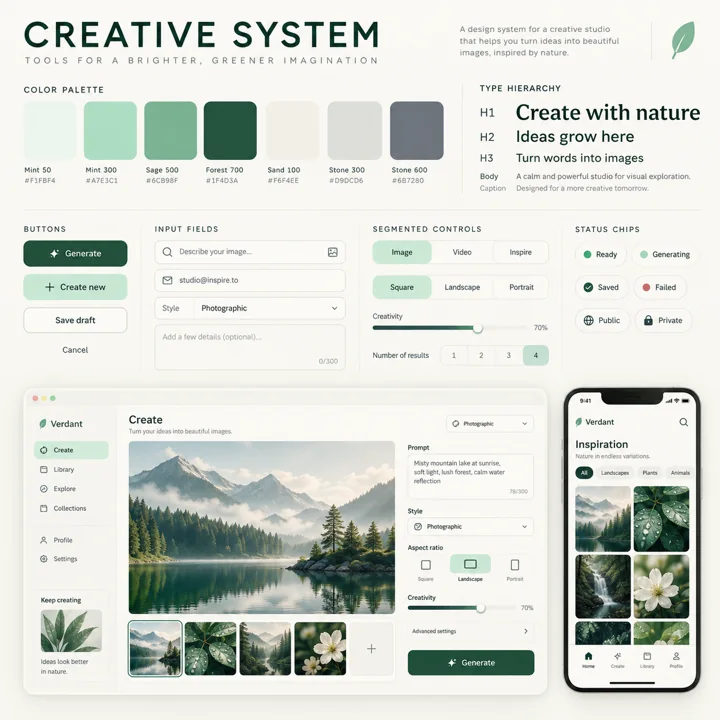
Draw a one-page UI design system presentation board for “Mint-green creative studio app”. Place brand colors and a type scale in the upper left; arrange buttons, tags, input fields, and small components in the middle; and place desktop workbench and mobile page mockups in the lower right. Use an off-white background, mint-green primary color, dark ink-colored text, and consistent corner radii and spacing. Use simple English labels, a clean page hierarchy, and credible interface details on a square presentation board.
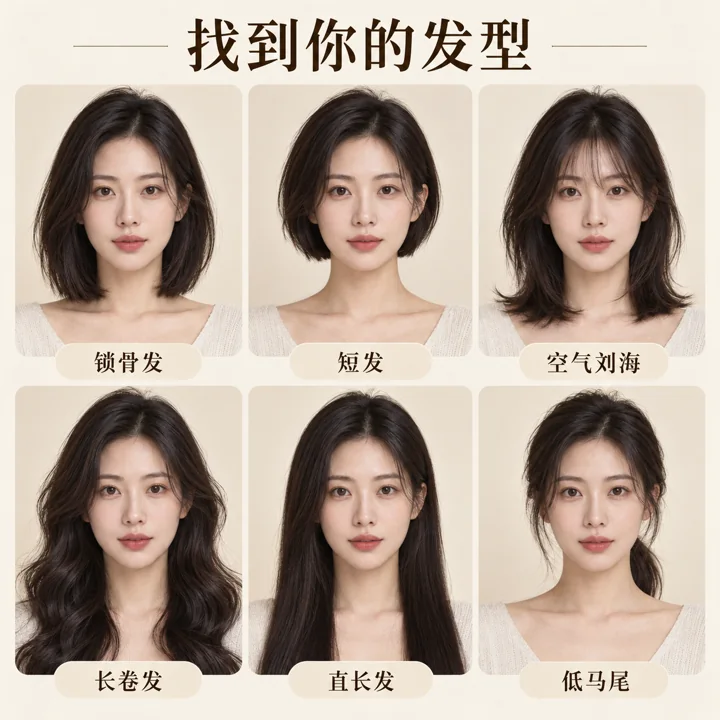
Create a hairstyle comparison card for “Adult East Asian woman with an oval face and black hair”. Show six styles on the same fictional person: collarbone-length hair, an ear-length cut, wispy bangs, long curls, long straight hair, and a low ponytail. Keep facial features, angle, expression, and lighting consistent across all six headshots. Use a light beige background and arrange the portraits in two rows of three, labeling each cell with a short name. Place the title “找到你的发型” at the top. Make a clear, gentle, modern styling presentation in a square format.
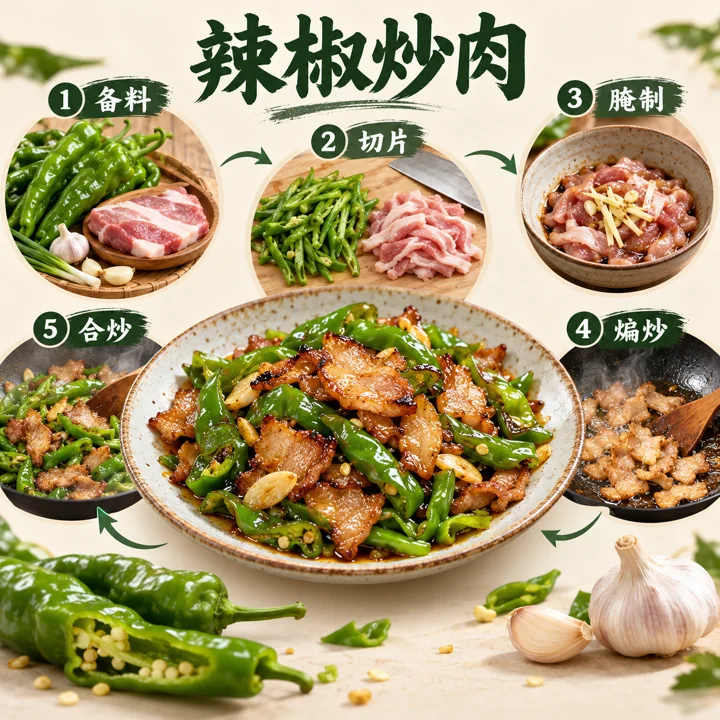
Create a modern cooking process diagram for “Stir-fried pork with peppers”. Place an appetizing photograph of the finished dish in the center, surrounded in sequence by five steps: ingredient preparation, slicing, marinating, initial stir-frying, and stir-frying everything together. Connect the steps with small arrows. Include small illustrations of green peppers, pork slices, garlic cloves, and kitchen utensils. Use a cream-white background and deep green headings, with brief text and a clear sequence. Make it feel like both a recipe and a design poster, with a square composition.
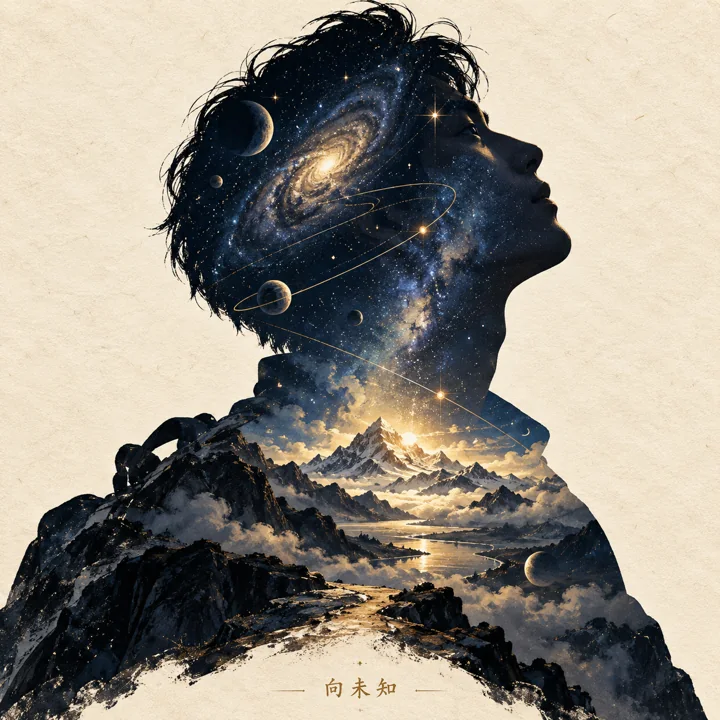
Create a cosmic narrative poster featuring “Traveler gazing at the stars”. A side-profile silhouette occupies the center of the image; inside its outline are a deep blue starry sky, planetary orbits, and a distant mountain illuminated by light. Outside the person, show only warm beige paper. Scatter starlight along the outline, with delicate layering. Set the short title “向未知” at the bottom, like an art-film poster with a story to tell, in a square format.
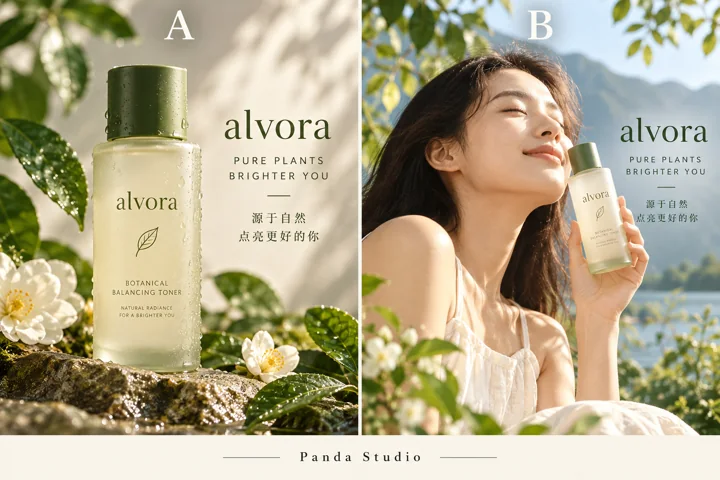
Create an A/B comparison display for advertisements from the same brand. Focus on a product close-up on the left and scene photography on the right; keep the product appearance, primary brand color, and short copy consistent, and label the top only A and B. Leave a simple signature area at the bottom reading “Panda Studio”. Show the design differences without inventing test scores.
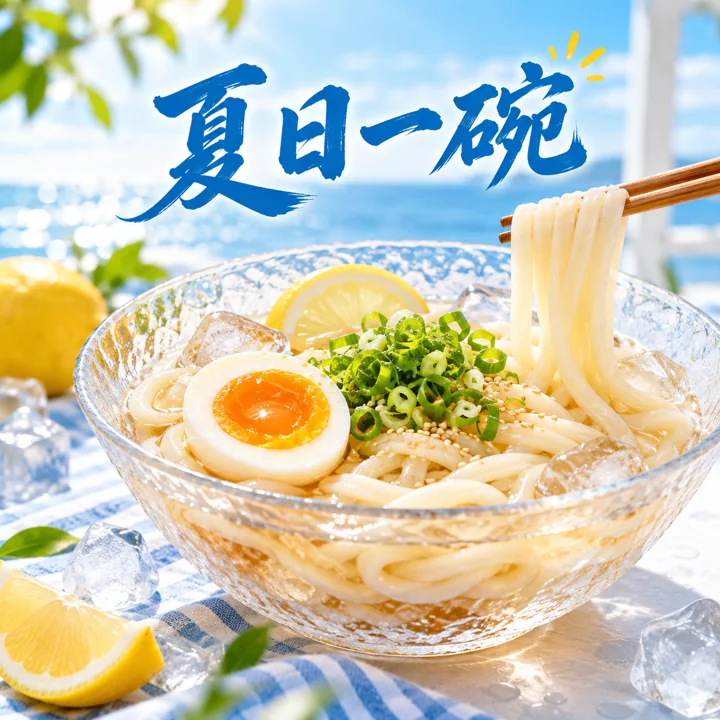
Design a summer udon advertisement. A transparent cold-food bowl contains springy noodles, scallions, and half an egg, surrounded by a few ice cubes and lemons, against a fresh blue-and-white background in bright sunlight. Use the short title “夏日一碗”, realistic food textures, and clear advertising typography. Add no other brands.
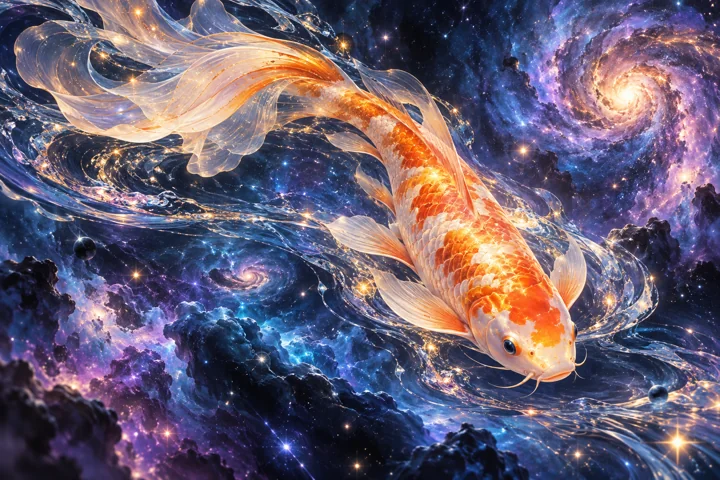
Draw a surreal artwork of a flowing koi swimming through a deep blue and purple nebula. Render its scales in warm golden orange and its tail fin like sheer gauze. Blend starlight and ripples naturally, with a flowing composition and clear details. Avoid long passages of text.
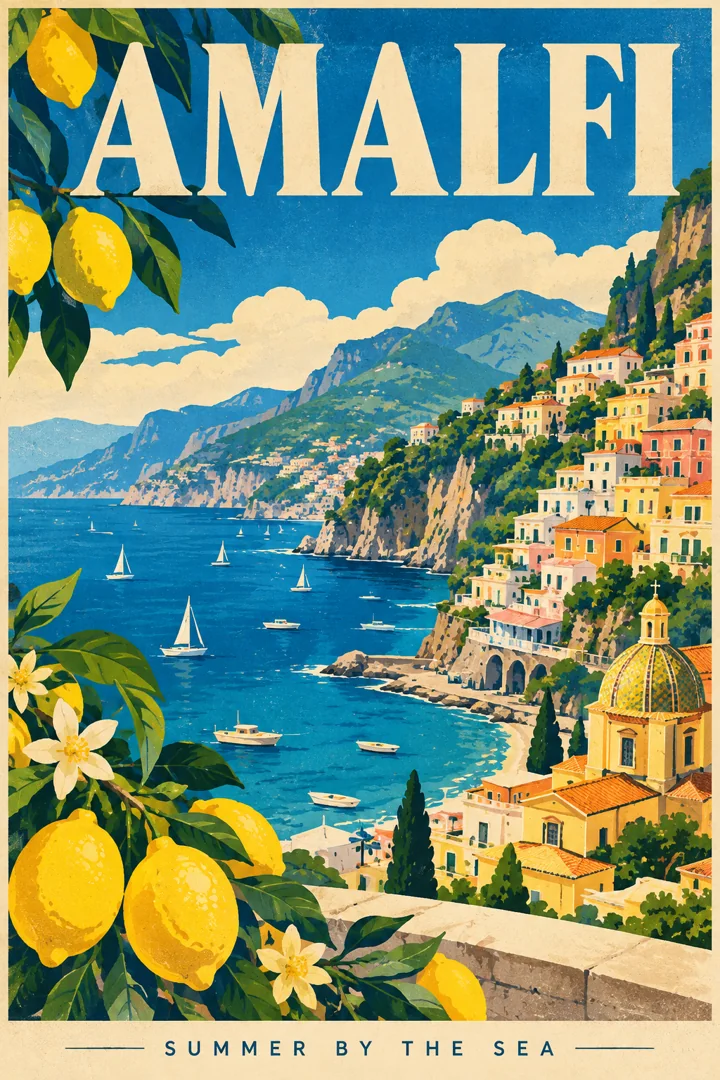
Create an Amalfi Coast travel poster. A colorful town extends along the cliffs, with a blue bay and yellow lemons as visual accents. Use a vintage screen-print texture, combining geometric color blocks with natural scenery. Clearly write AMALFI at the top and the smaller text SUMMER BY THE SEA at the bottom.
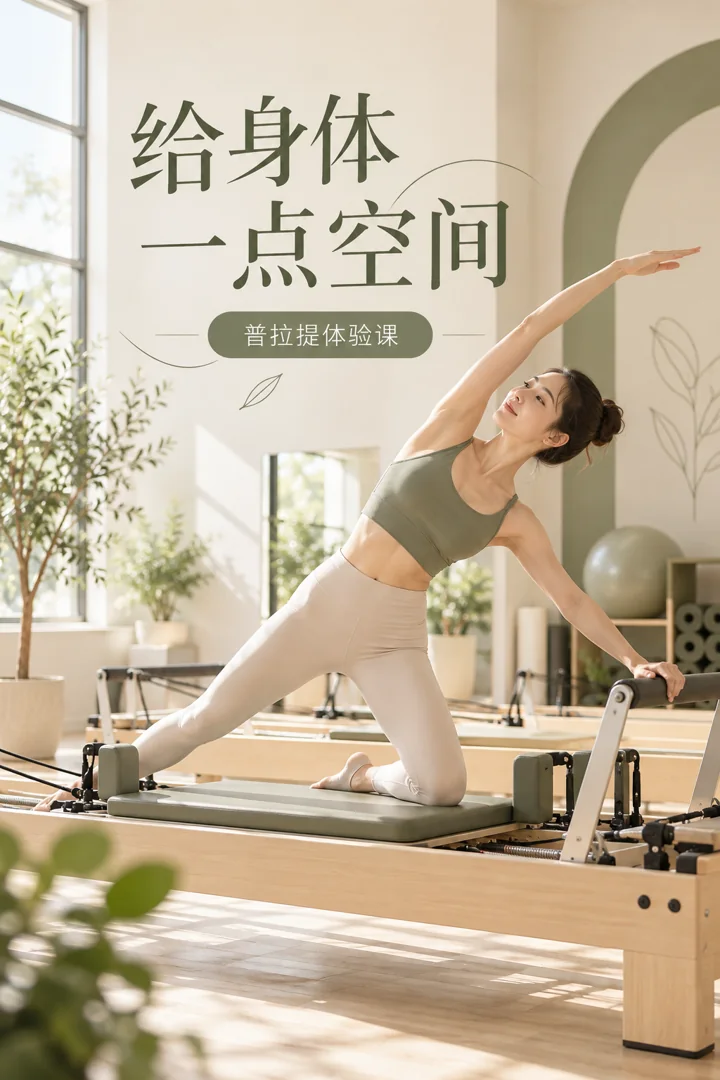
Design a promotional poster for a Pilates studio. Show a bright, tidy exercise space and an adult participant naturally using exercise equipment. Use light beige and sage green with ample negative space. Set the title “给身体一点空间” and the short label “普拉提体验课” beneath it. Do not include invented addresses or therapeutic claims.
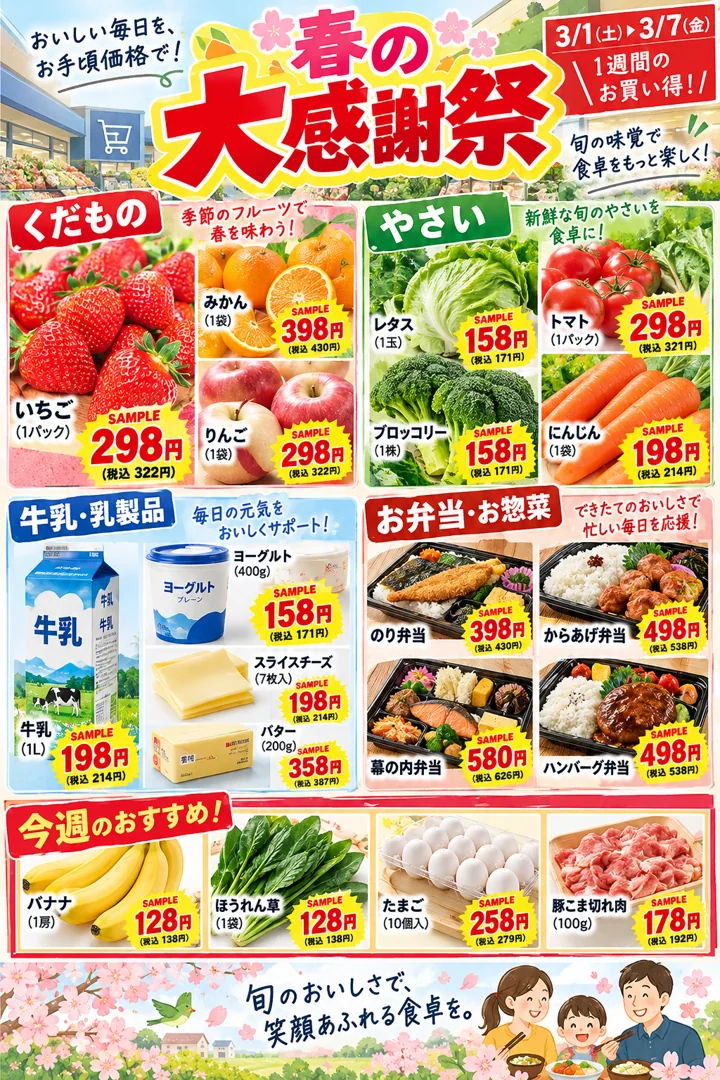
Create a sale flyer for a fictional Japanese supermarket. Arrange fruit, vegetables, milk, and bento in separate sections, with red and yellow labels and neatly set short Japanese headings. Use demonstration prices on clear price tags and mark them SAMPLE. Make the layout rich but clearly structured, without real business logos.
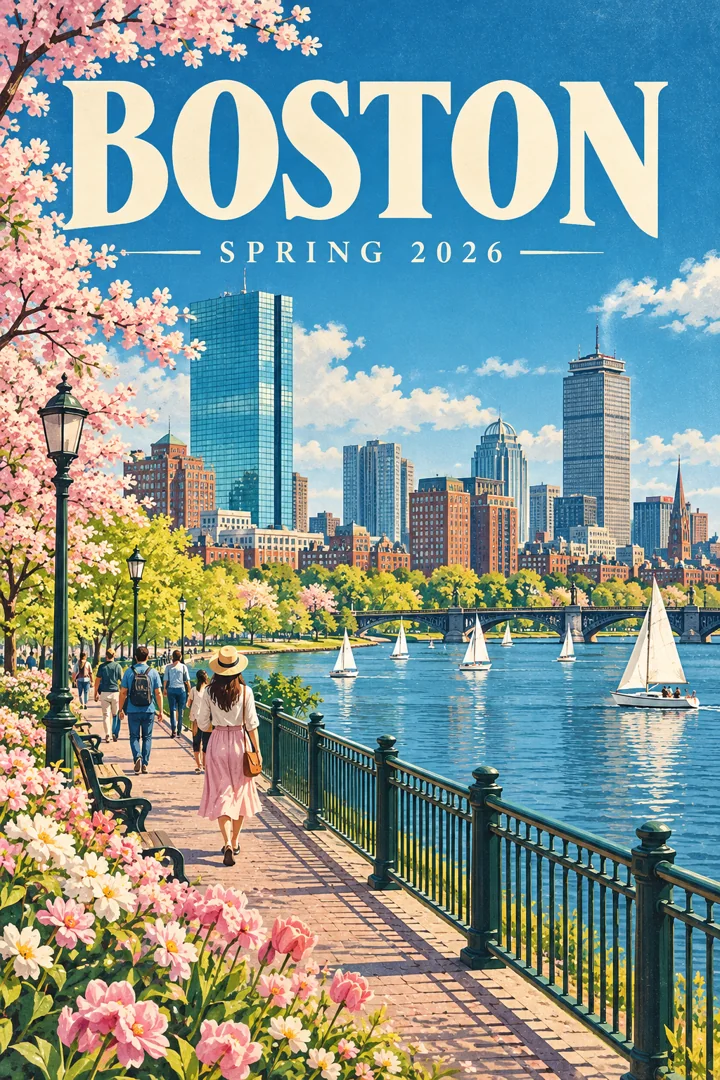
Design a Boston spring 2026 city poster. Combine a riverside path, city skyline, spring flowers, and pedestrians in a refined travel illustration. Use blue-green and soft pink tones with slight print grain. Set the large title BOSTON and subtitle SPRING 2026, maintaining a complete composition.
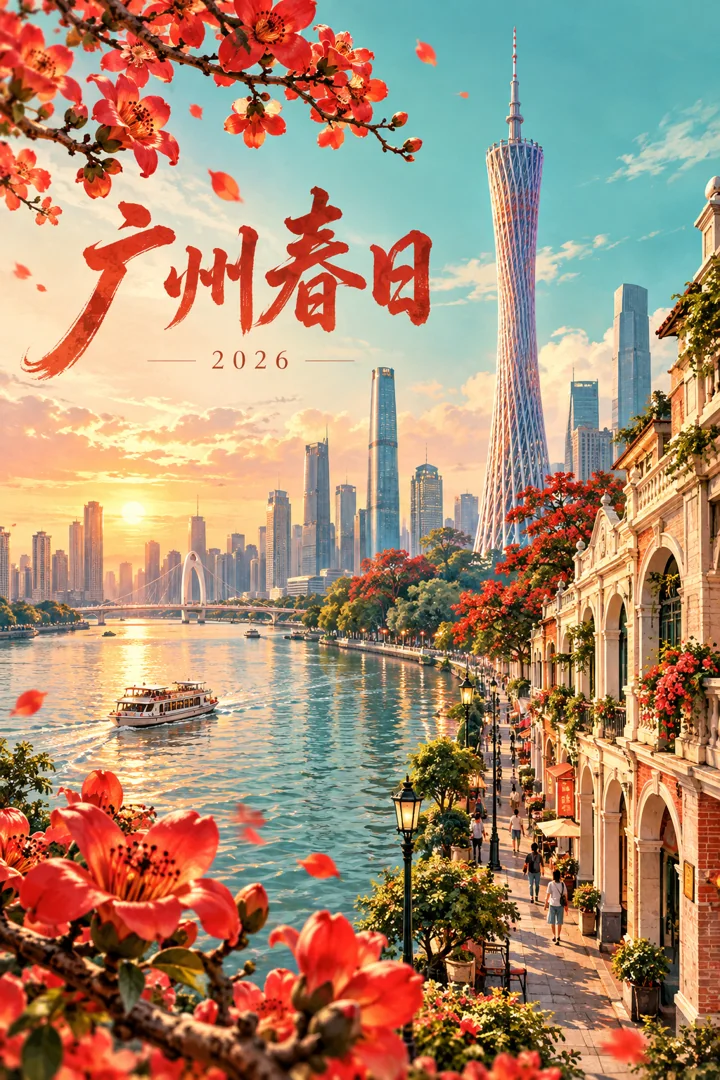
Design a Guangzhou spring 2026 city poster. Blend the Pearl River, Canton Tower, arcaded streets, and kapok flowers into a contemporary illustration. Let warm red and teal complement each other, with the short title “广州春日”, small text “2026”, and clear typography.
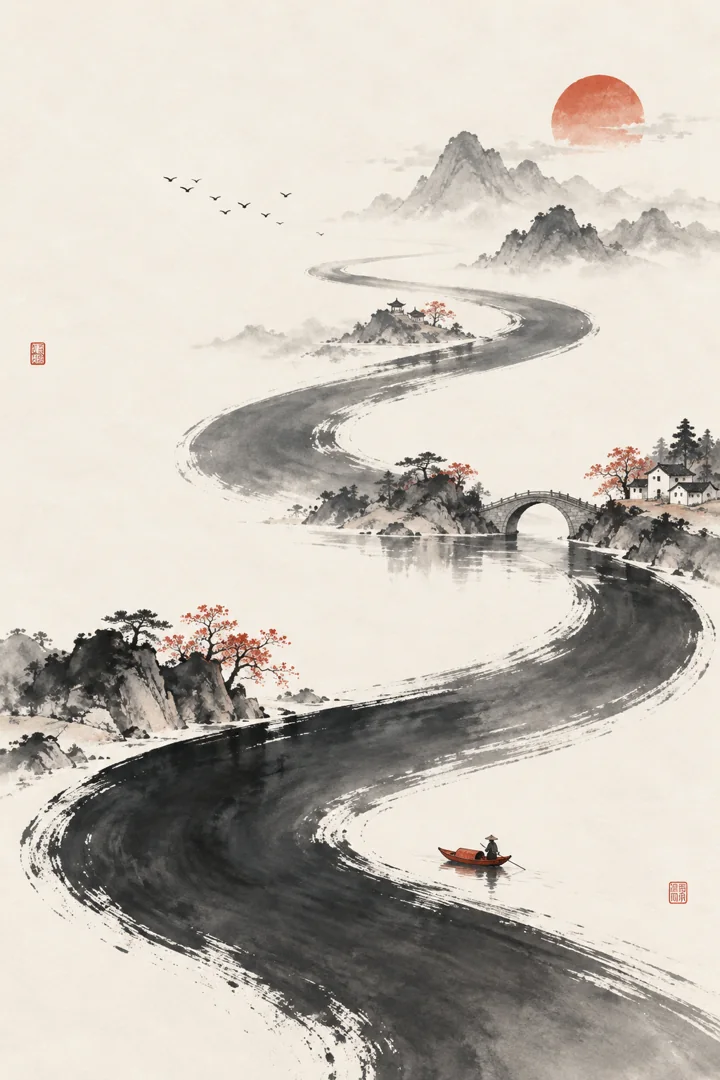
Create a minimalist Chinese-style poster. Run an S-shaped ink river through warm white paper, placing tiny mountain peaks, a bridge, and a small red boat along its curve. Use extensive negative space, a few vermilion seals, and restrained lines. Avoid crowding the image with text.
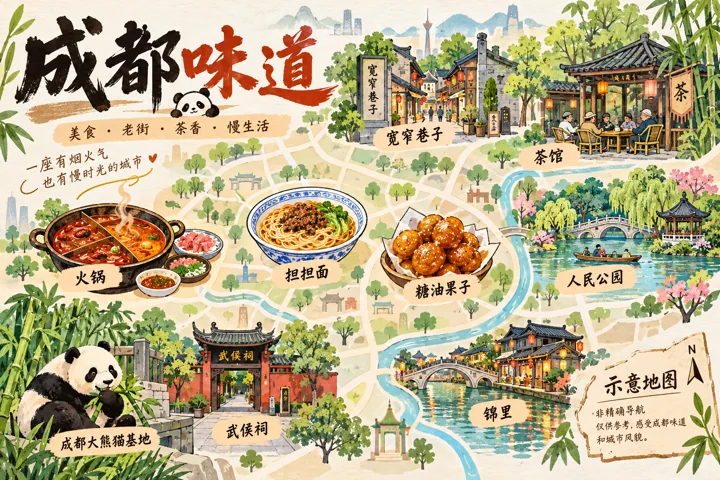
Draw a conceptual map themed around Chengdu food. Represent Kuanzhai Alley, teahouses, and parks with friendly illustrations, and use hot pot, dan dan noodles, and tangyou guozi fried dough balls as small icons. Keep text labels short and use the title “成都味道”. Label it “示意地图” and do not present it as accurate navigation.
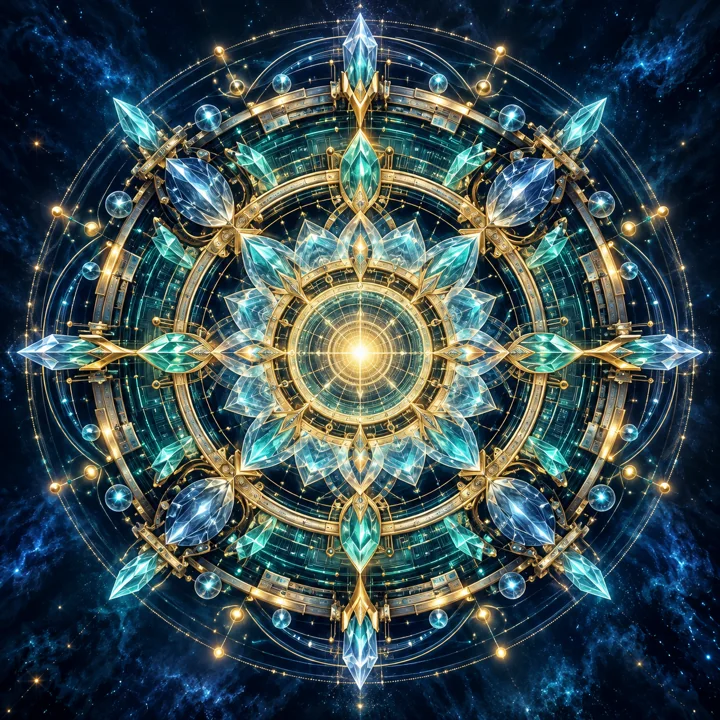
Draw a futuristic mandala. Expand mechanical textures, crystals, and intricate circuits outward from a central halo in an overall radially symmetric design. Use a deep blue background with teal and gold points of light, clear layers, refined geometry, and a strong artistic character. Add no text.
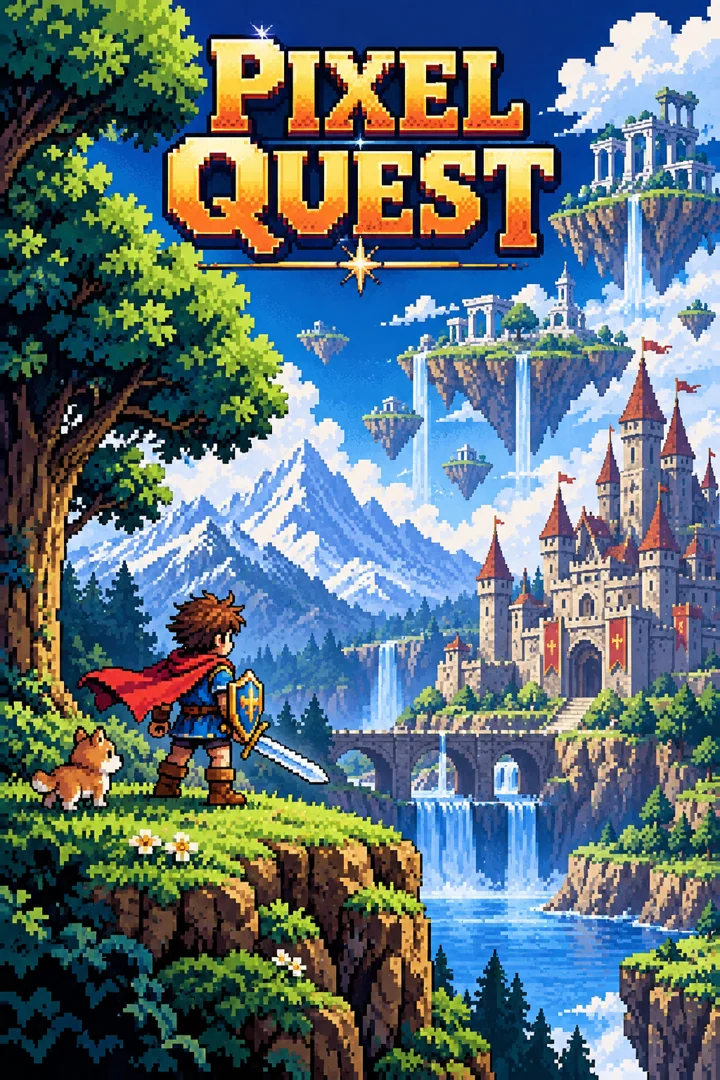
Create a retro 16-bit game poster. Original pixel characters travel through a forest, a castle, and platforms in the sky, with crisp pixel edges and vivid yet layered color blocks. Place the short title PIXEL QUEST at the top. Make it resemble promotional art from the classic home-console era, without using the Nintendo logo.
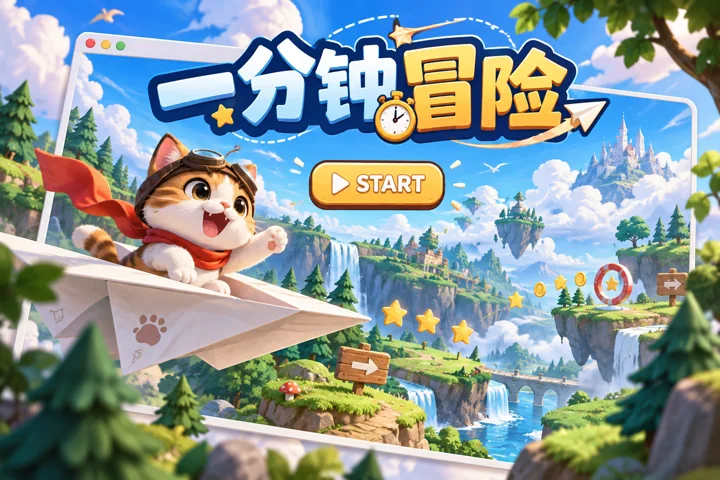
Design a creative advertisement poster for a fictional browser minigame. The protagonist is a cat piloting a paper airplane, with forests and sky forming playful levels. Simply display a START button and a game-window border beside the page, with the title “一分钟冒险”. Make it clear and fun.
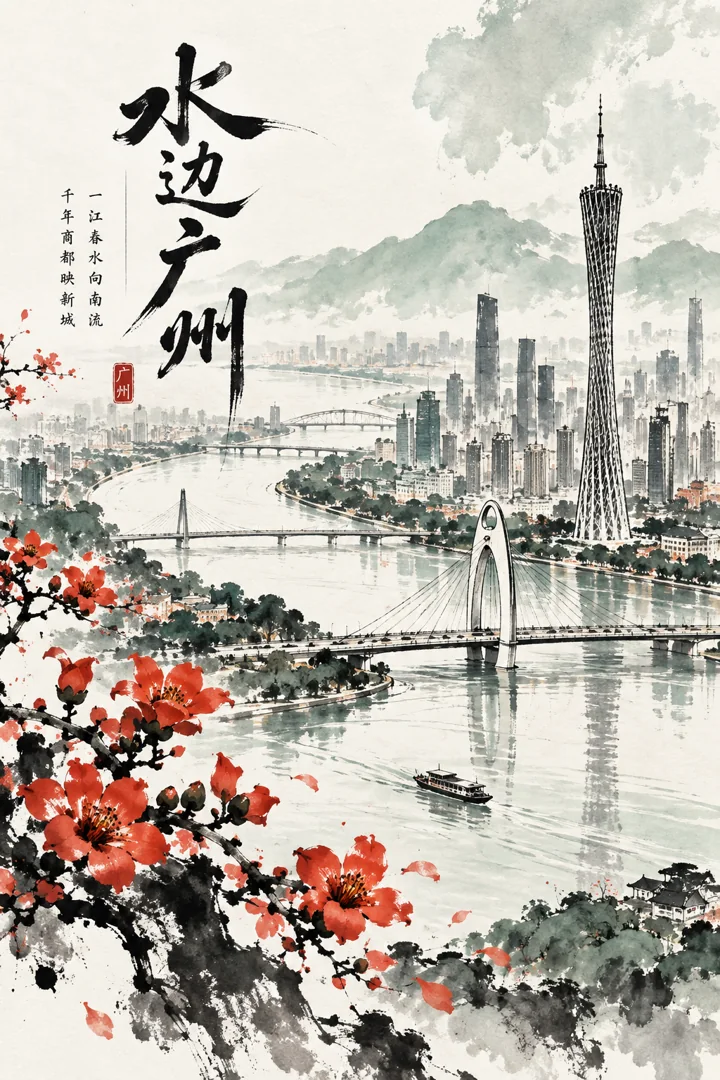
Create an ink poster themed around Guangzhou's urban curves. The Pearl River winds through the image, while bridges and Canton Tower appear in abstract ink lines. Use kapok flowers as warm red accents, with negative space on paper and pale green layers. Set the title “水边广州”.
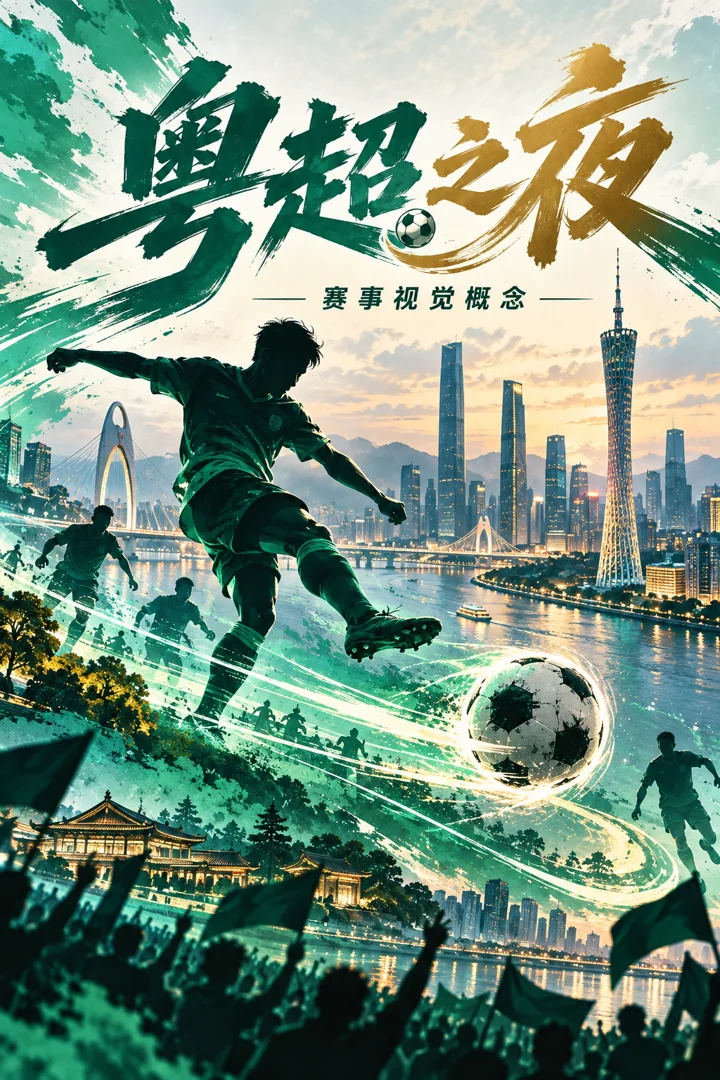
Design a conceptual invitation poster themed around the Guangdong Super League. Combine player silhouettes, a football trajectory, and the Pearl River city skyline, with teal as the primary color and a strong sense of motion. Use the title “粤超之夜” and subtitle “赛事视觉概念”. Do not invent official schedules or real ticketing information.
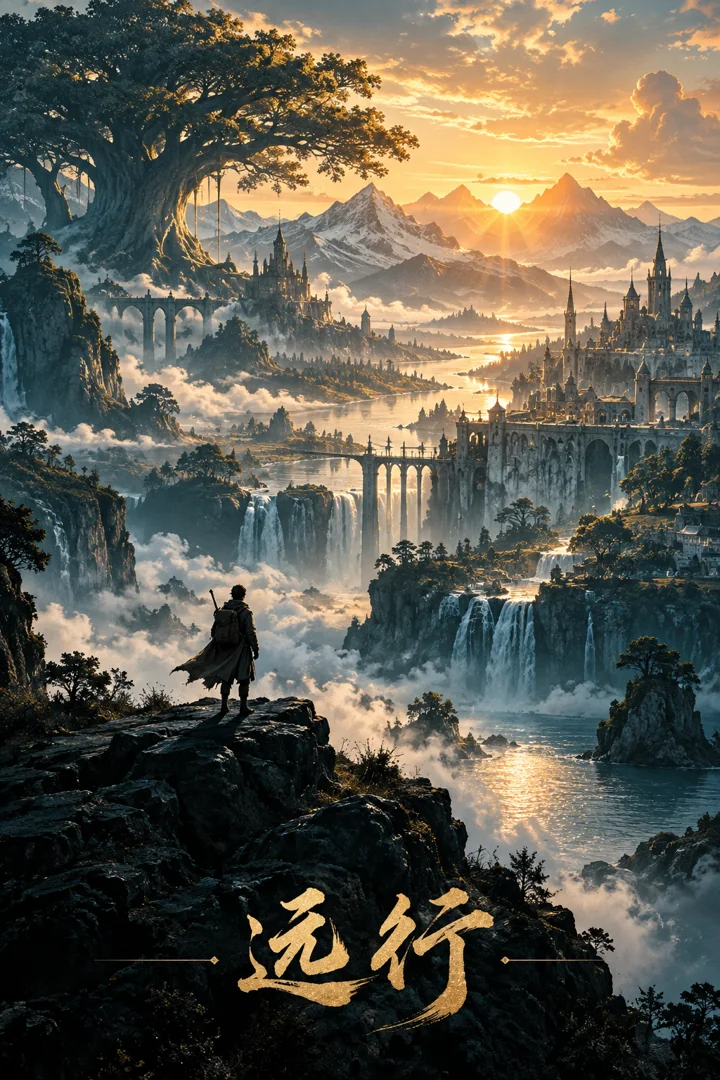
Design an epic silhouette poster. A traveler stands on high ground, facing a layered world of mountains, giant trees, an ancient city, and sunrise. Keep the person small to emphasize scale. Contrast deep teal with gold, use delicate textures, and place the short title “远行” at the bottom.
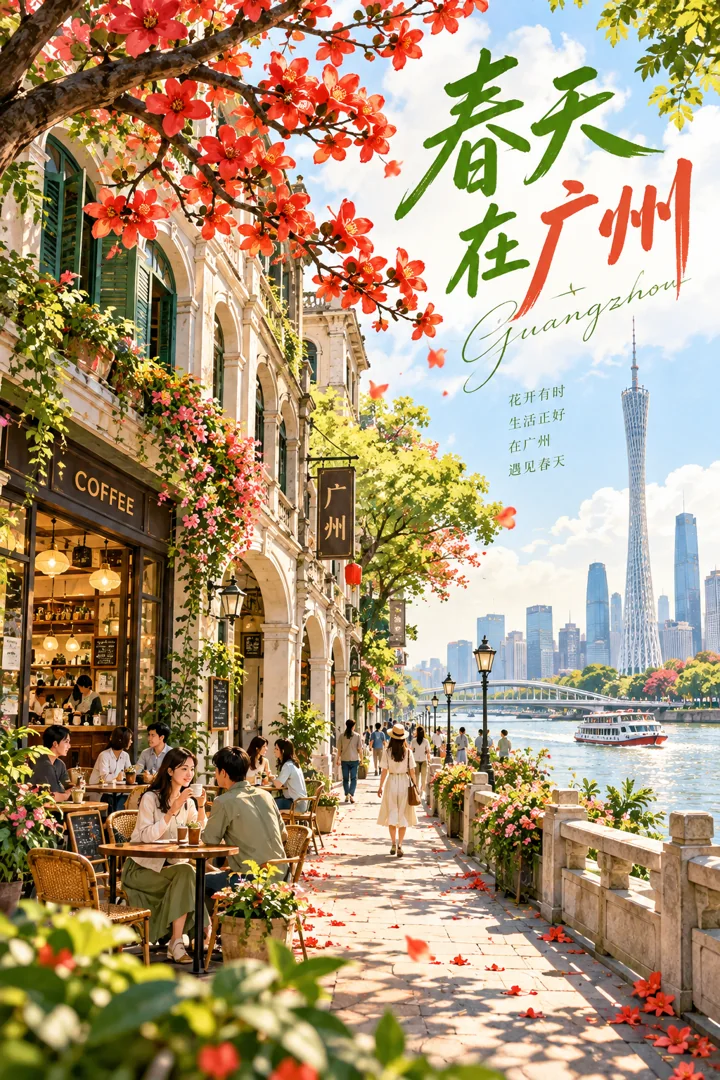
Draw a city poster of Guangzhou in spring. Arcaded streets, flowering trees, cafés, and the Pearl River waterfront form a warm illustration of everyday life. Create visual rhythm with green leaves and kapok red, and use the title “春天在广州”. Keep it light and cheerful.
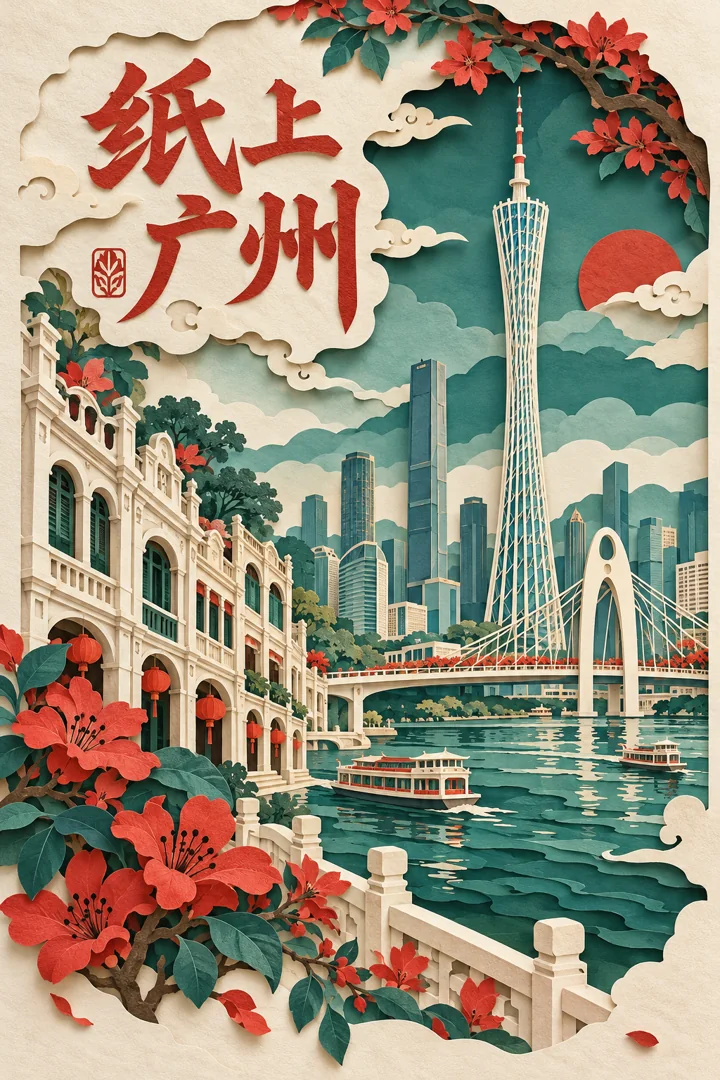
Create a multilayer paper-cut poster themed around Guangzhou. Build depth by layering paper shapes of Canton Tower, bridges, arcaded buildings, flowers, and river water. Use soft cast shadows, teal and off-white with vermilion, and the title “纸上广州”.
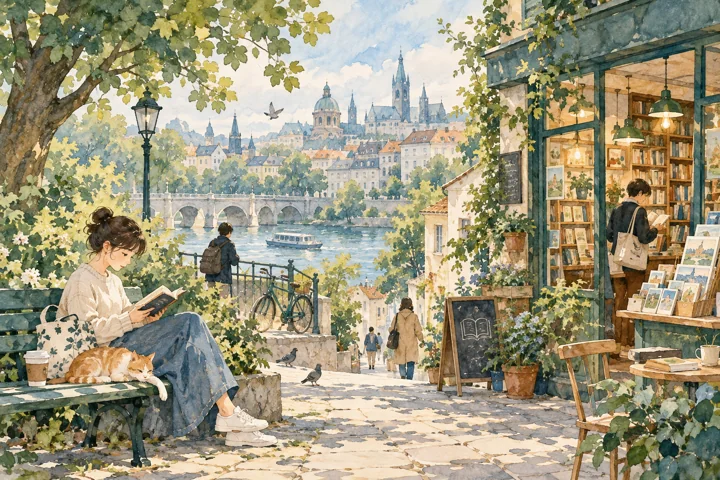
Draw a watercolor editorial illustration about reading and slow living in the city. Use paper texture, soft blue-green and pale orange colors, and people moving naturally between parks and bookshops. Include narrative composition and negative space. Do not depict a news event or add long passages of text.
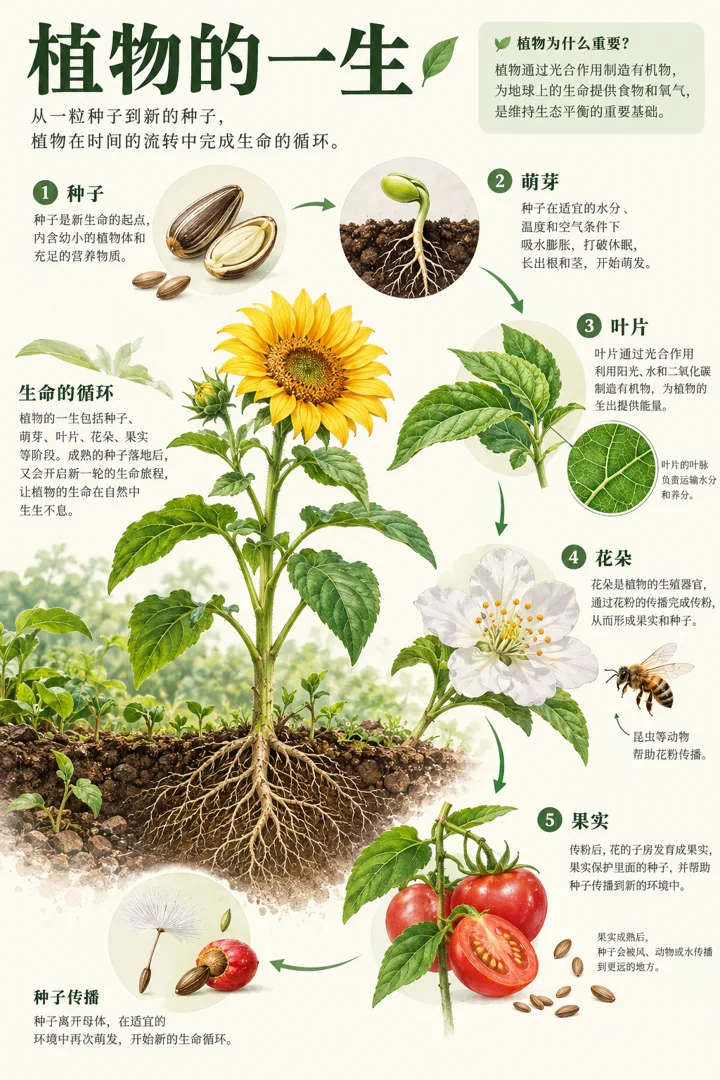
Design a vertical science encyclopedia poster about a plant's life. Organize detailed illustrations of seeds, sprouts, leaves, flowers, and fruit in chronological order, connected by short labels and arrows. Use an off-white background and green headings, make the scientific relationships clear, and avoid invented numerical values.
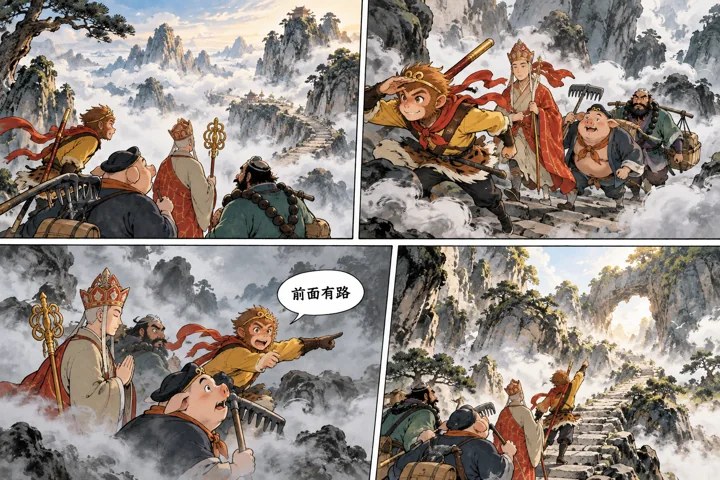
Draw a four-panel comic themed around Journey to the West: Sun Wukong, Zhu Bajie, and Sha Wujing accompany Tang Sanzang over a misty mountain path. Use original character designs and clear actions, blending ink painting with modern comics. Keep the panels coherent and include the short dialogue “前面有路”. Do not copy panels from existing comics.
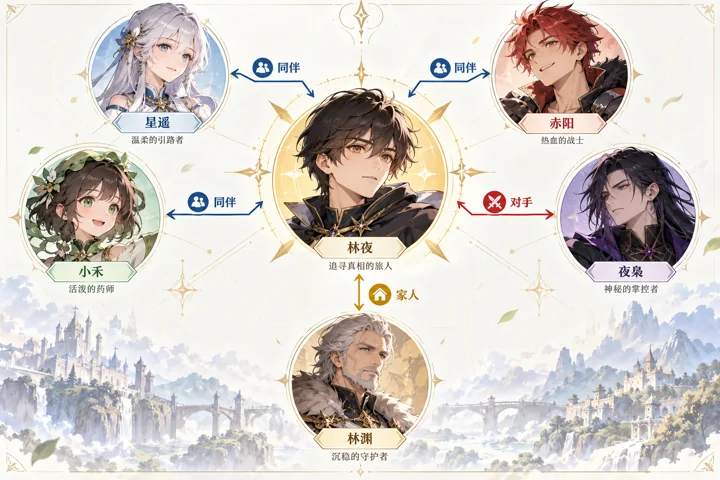
Design a character relationship poster for a fictional story. Arrange six original character portraits in a clear network, labeling relationship lines only “同伴”, “家人”, or “对手”. Emphasize the central protagonist, use a light background and consistent icons, and keep lines from crossing over and obscuring faces. Do not invent relationships between real people.
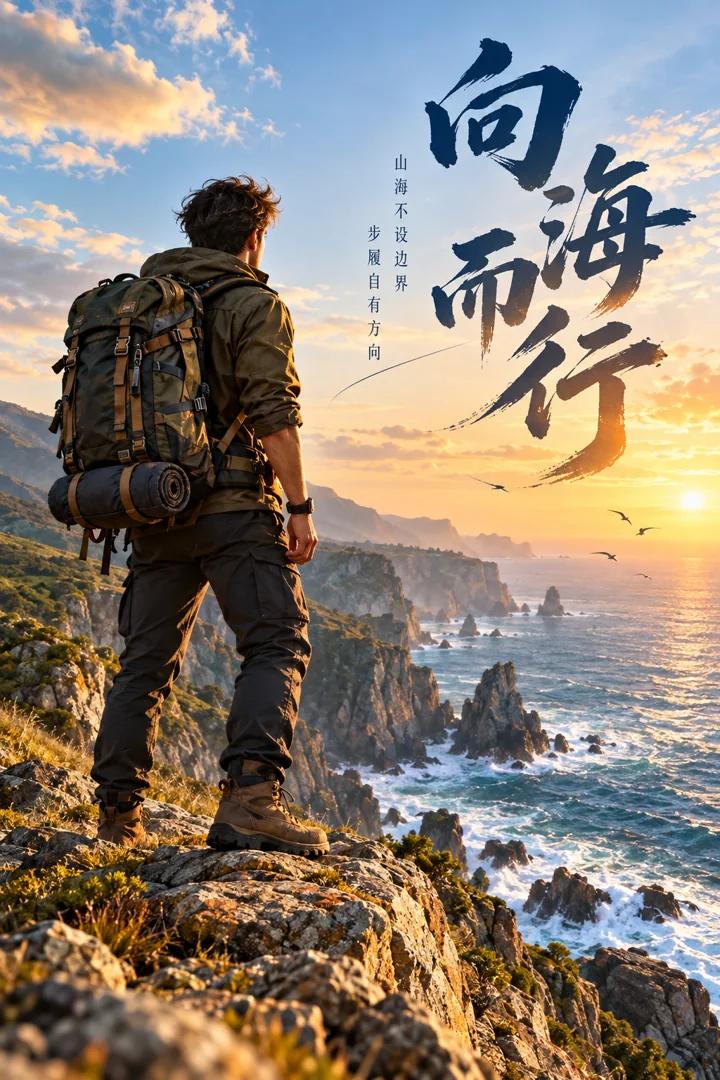
Design a vertical visual poster themed around an adult explorer. The person stands on a seaside cliff, with clear details in clothing, backpack, and distant scenery. Contrast warm sunlight with the cool sea. Use the title “向海而行” and arrange the text in negative space along the person's outline.
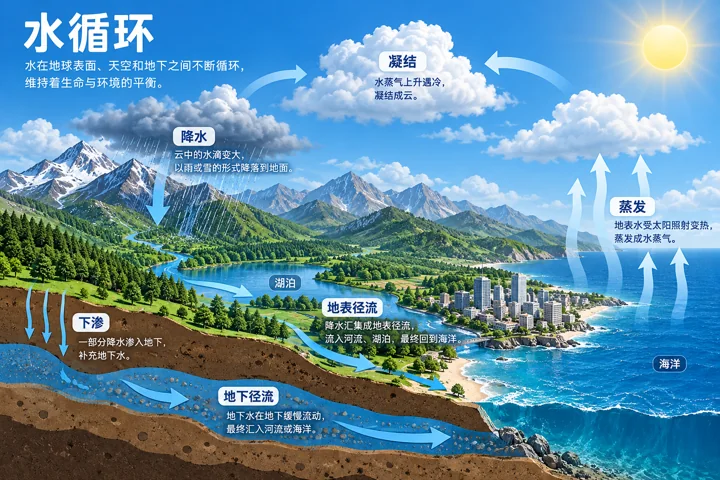
Create a science encyclopedia infographic about the water cycle. Arrange clouds, mountains, a lake, and a city into a clear cross-sectional diagram. Use arrows to show evaporation, condensation, precipitation, and runoff, with short Chinese labels and no contradictory flow directions.
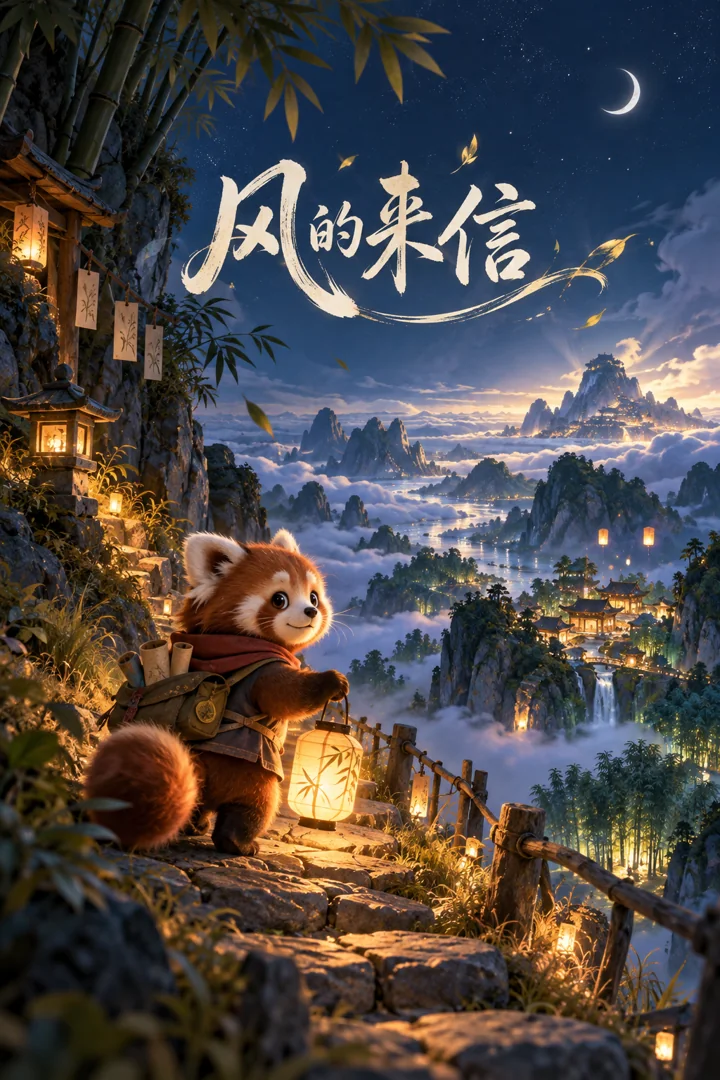
Design a poster for a fictional animated film. A red panda and a paper lantern move along a mountain path at night, while distant bamboo groves and a sea of clouds glow gently. Use refined animated-film artwork and the film title “风的来信”. Do not invent a real release date or ratings.
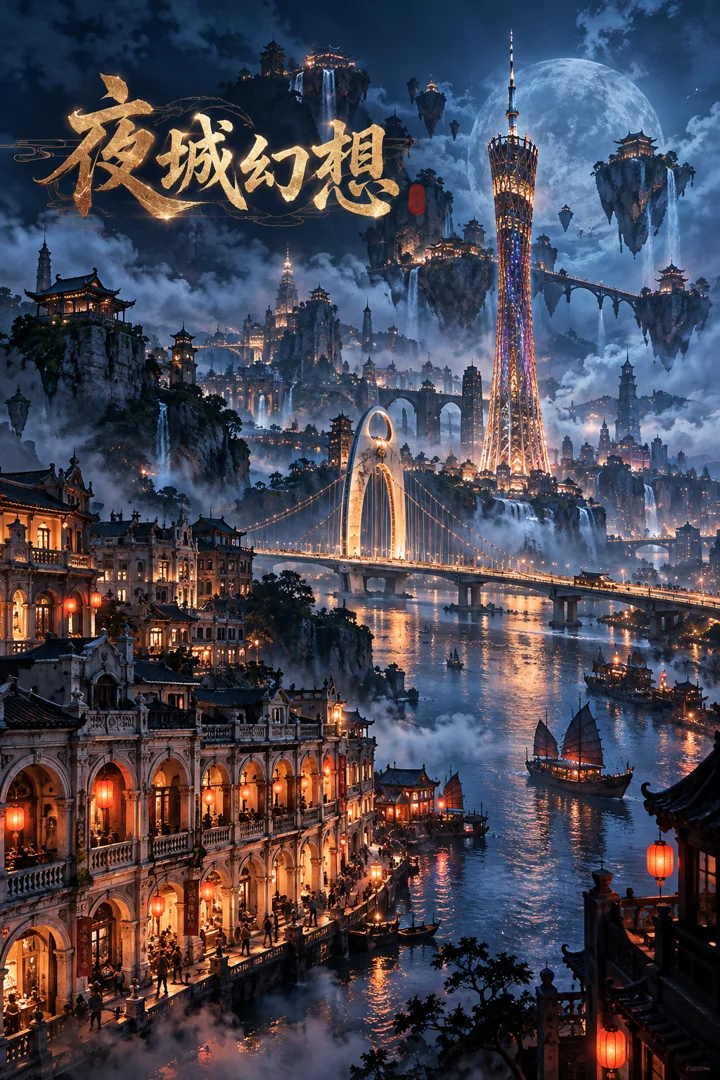
Draw a concept poster of a dark fantasy version of Guangzhou. Transform familiar towers, bridges, and arcaded buildings into a fantastical ancient city, with deep blue mist, warm lights, and floating rocks. Use spectacular yet clear layers and the title “夜城幻想”. Do not depict an actual disaster.
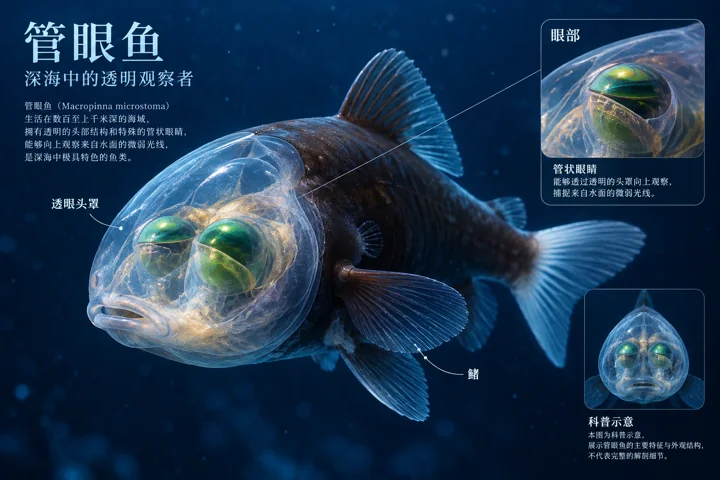
Create an educational anatomy concept diagram of a barreleye fish. Render its translucent head and body outline in detail at the center, with a separate small illustration beside it showing eye structure. Label “眼部”, “透明头罩”, and “鳍”, use a deep-sea blue background, and mark the content “科普示意”. Avoid inventing complex anatomical labels.
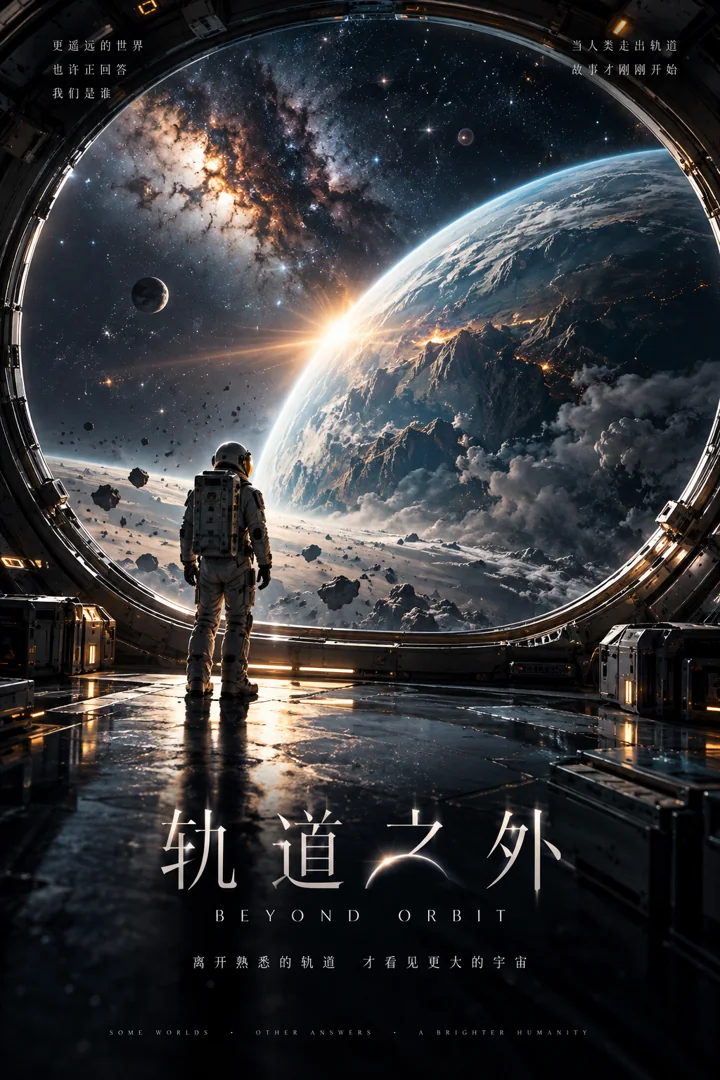
Design an original science-fiction film poster. An astronaut gazes at an unfamiliar planet through a huge space-station window. Include subtle reflections, stardust, and layers of warm and cool light, with the film title “轨道之外”. Use a grand composition and restrained text, without borrowing existing film logos.
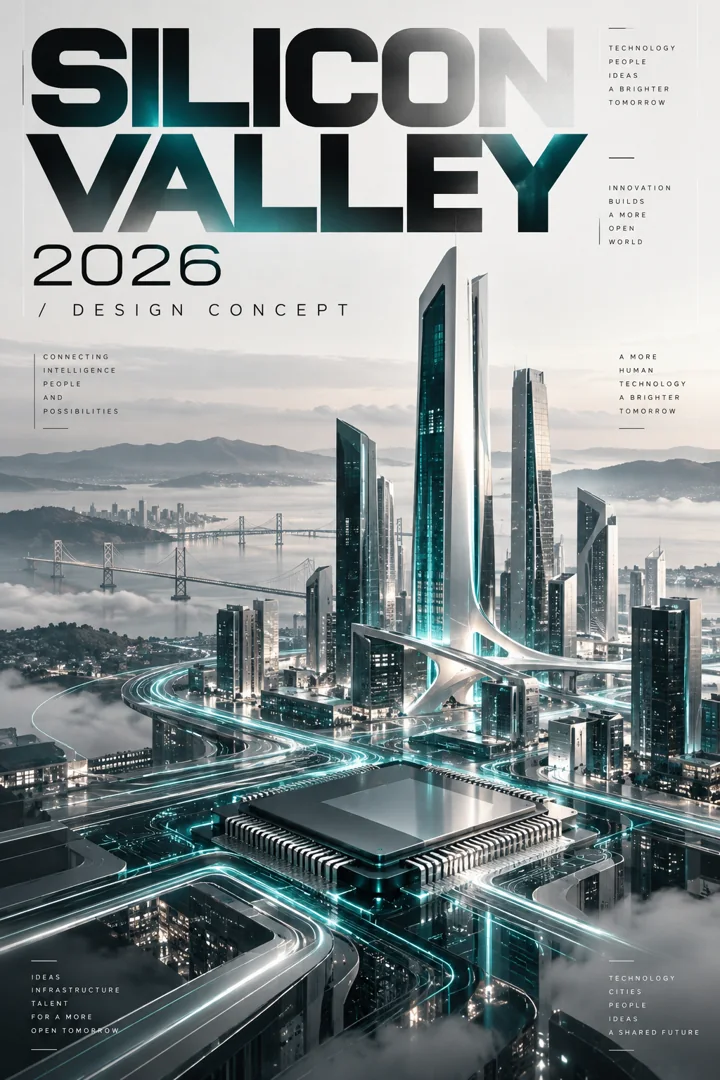
Design a conceptual technology exhibition poster themed around Silicon Valley 2026. Blend an abstract chip, clusters of buildings, and light trails in silver-gray and deep teal. Use the title SILICON VALLEY and subtitle 2026 / DESIGN CONCEPT, with precise grid typography. Do not imply an actual event.
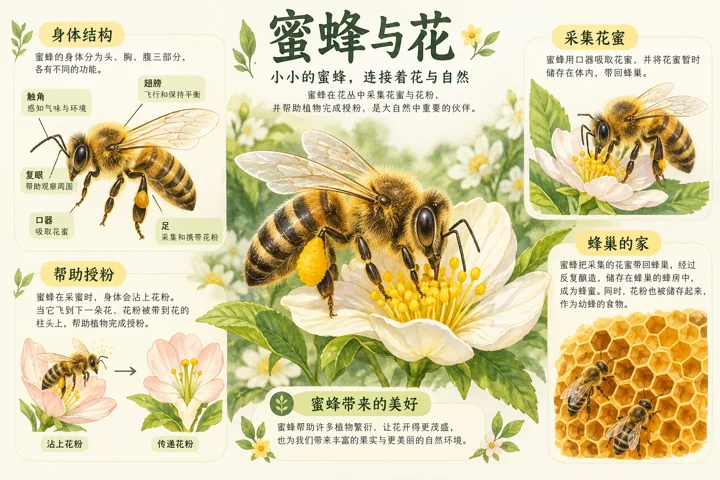
Draw a themed science encyclopedia card about bees and flowers. Place a natural-history illustration in the center, surrounded by small diagrams explaining body structure, nectar gathering, pollination, and the hive. Keep the hierarchy of short labels consistent, with warm white paper and small amounts of yellow-green. Do not include unverified numerical values.
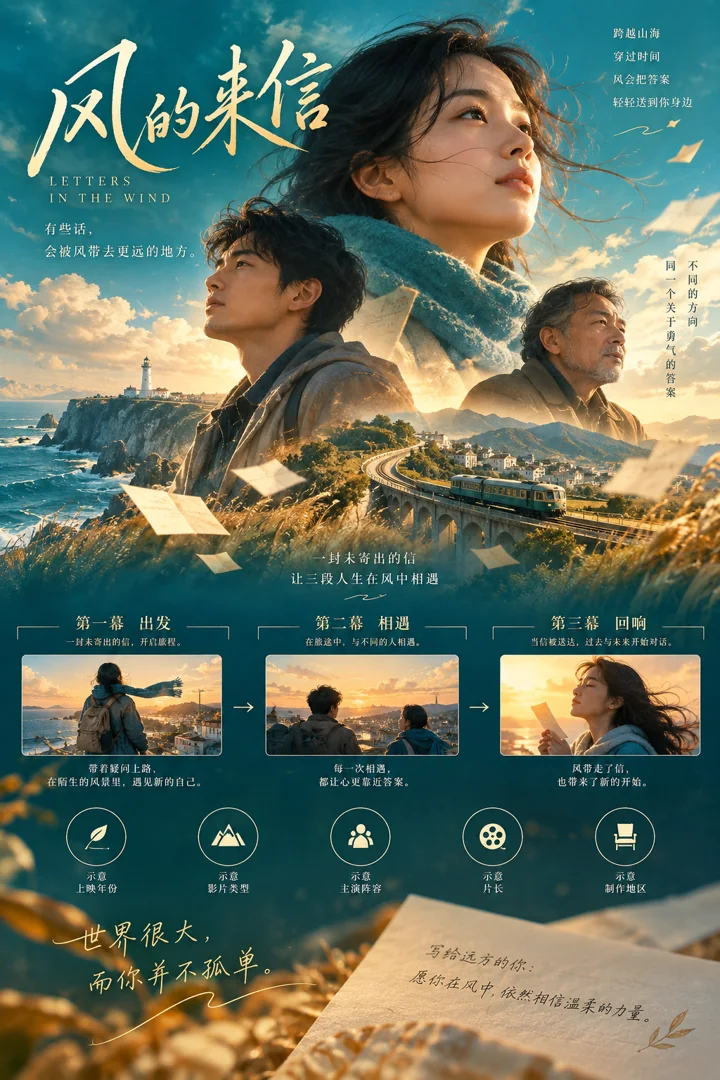
Design an infographic poster for a fictional film. Use simple graphics to express colors, scenes, characters, and a three-act story, with the film title “风的来信”. Combine warm teal with pale gold, label all statistical sections “示意”, and do not invent box-office figures or real film reviews.
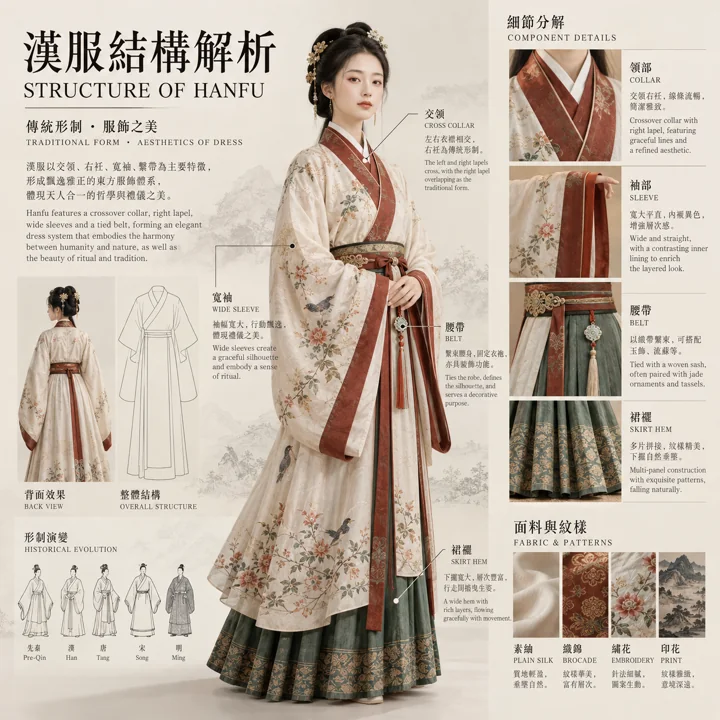
Design a museum-style infographic explaining the construction of hanfu. An adult model wears a neatly arranged cross-collar robe, with separate breakdowns of sleeves, collar, sash, and skirt hem beside them. Use an off-white display board, fine leader lines, short labels, and accurate materials, with a layout resembling a modern exhibition catalog.
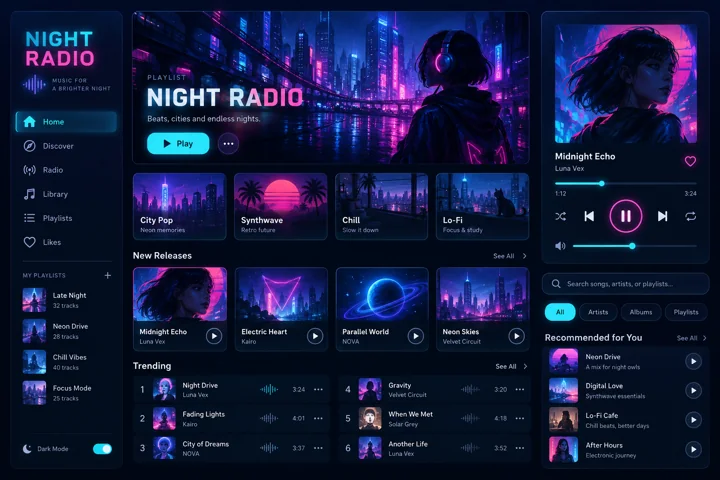
Design a cyberpunk UI system board for a fictional nighttime music app. Use a deep blue background with cyan and magenta accents, showcasing a music player, buttons, input fields, and list cards. Keep the grid neat and spacing consistent, use the short title NIGHT RADIO, and avoid glowing text with poor readability.
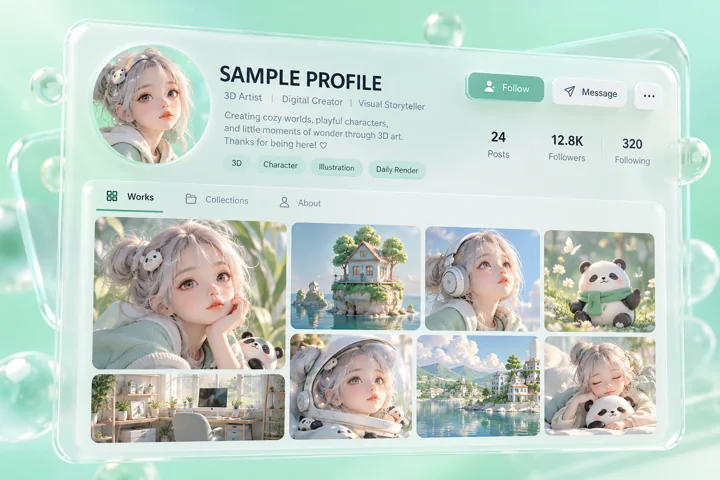
Create a 3D social profile page mockup for a fictional creator. Arrange an avatar, work thumbnails, a biography, and action buttons in a light interface resembling a floating glass panel. Use a mint-green background and the text SAMPLE PROFILE. Do not copy real user data or claim it is an official page.
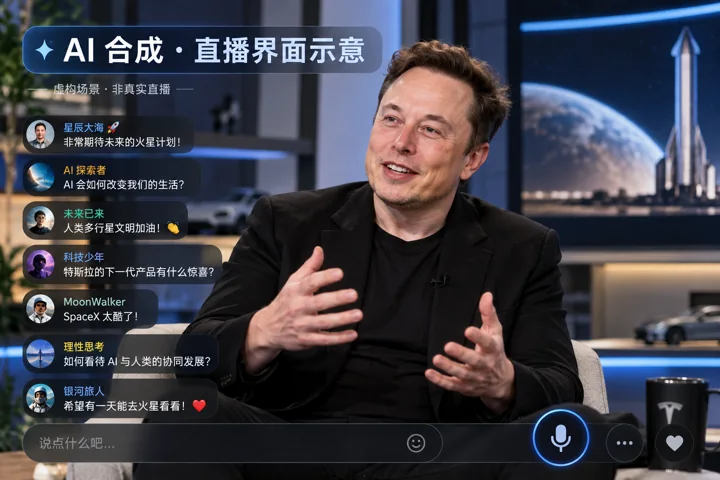
Create an explicitly fictional concept image of an Elon Musk Chinese-language livestream interface. Show him seated in a technology interview set, with simple scrolling comments and a microphone icon in the interface. Add the large label “AI 合成 · 直播界面示意”. Do not include actual quotations or pretend a livestream is taking place.
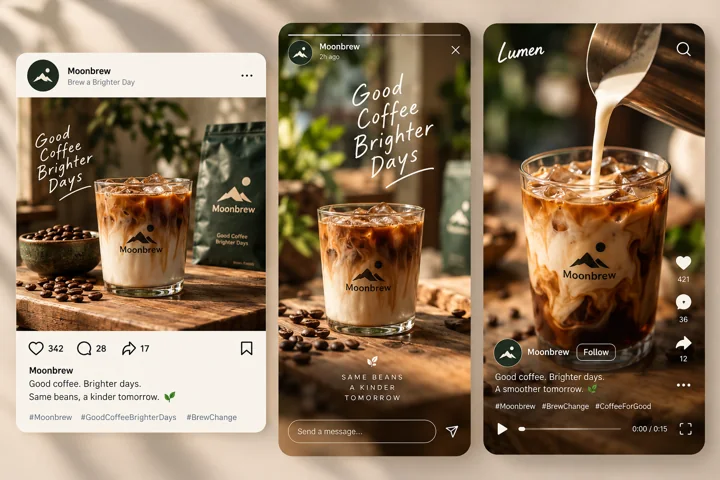
Design content mockups for the same original coffee brand across three social platforms. Keep photographic assets, avatars, and the primary color consistent, showing a post, a vertical story, and a short-video cover respectively. Use fictional platform names in the interfaces and do not copy real personal accounts or popularity figures.
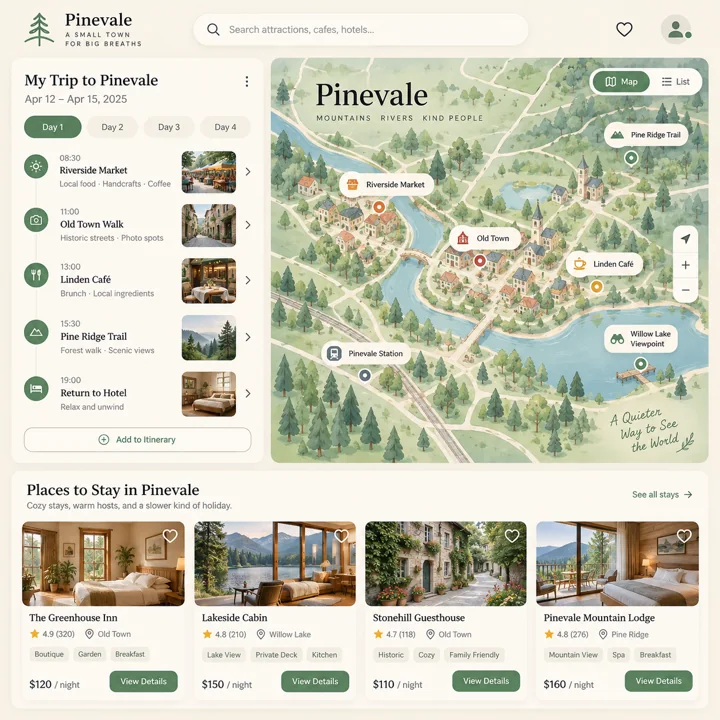
Draw a high-fidelity travel-planning app interface concept. Include search at the top, itinerary cards on the left, a schematic map on the right, and accommodation cards at the bottom. Use light beige and mint green, clear spacing, and a clear button hierarchy. The destination is a fictional small town, and the map is for conceptual display only.
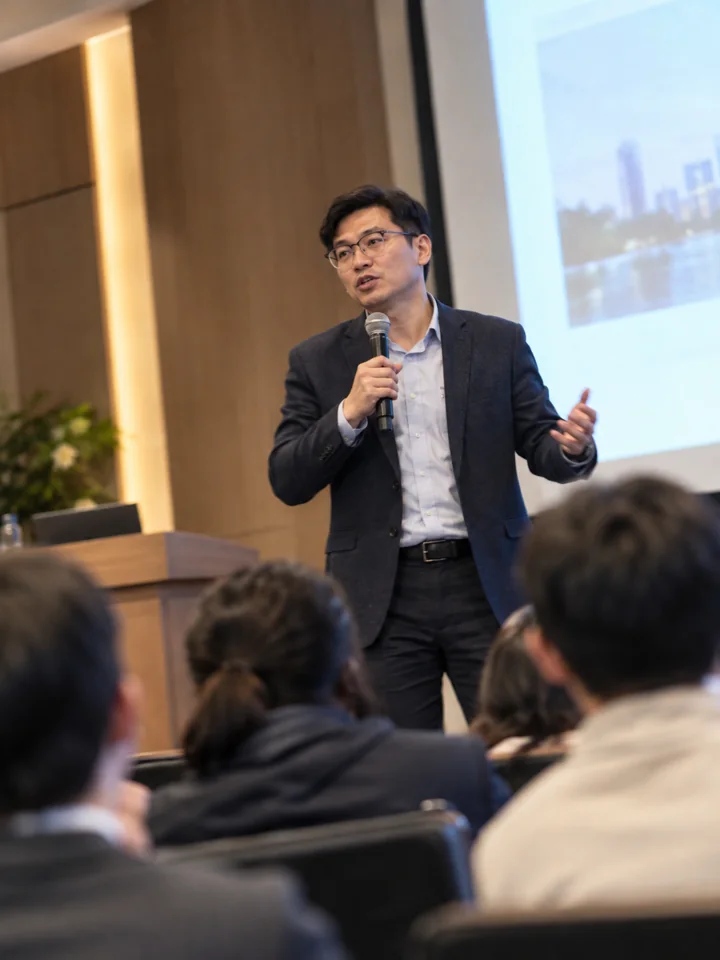
Photograph an adult speaker at a community talk as a candid phone snapshot. Use a slightly tilted composition, natural indoor light, and a little motion blur. The person wears a neat jacket; the seated audience serves only as background. Do not include an identifiable real event name.
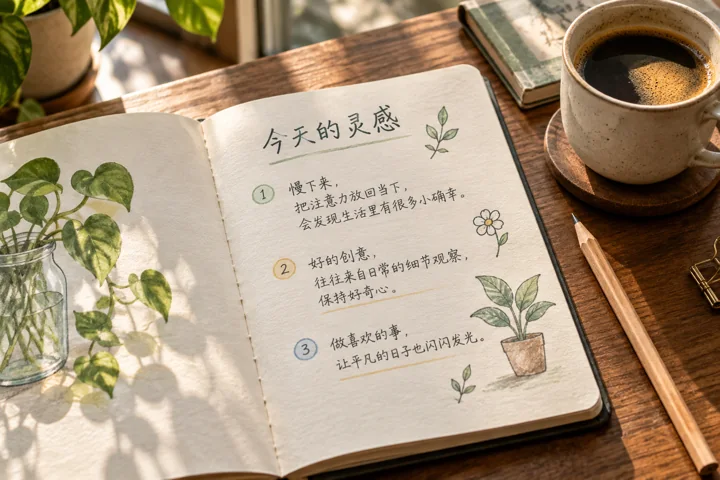
Photograph an open handwritten notebook. Write “今天的灵感” clearly in Chinese on the paper, followed by three short notes and a small plant doodle. Place a pencil and coffee on the desk, with natural window light and realistic paper fibers and ink texture.
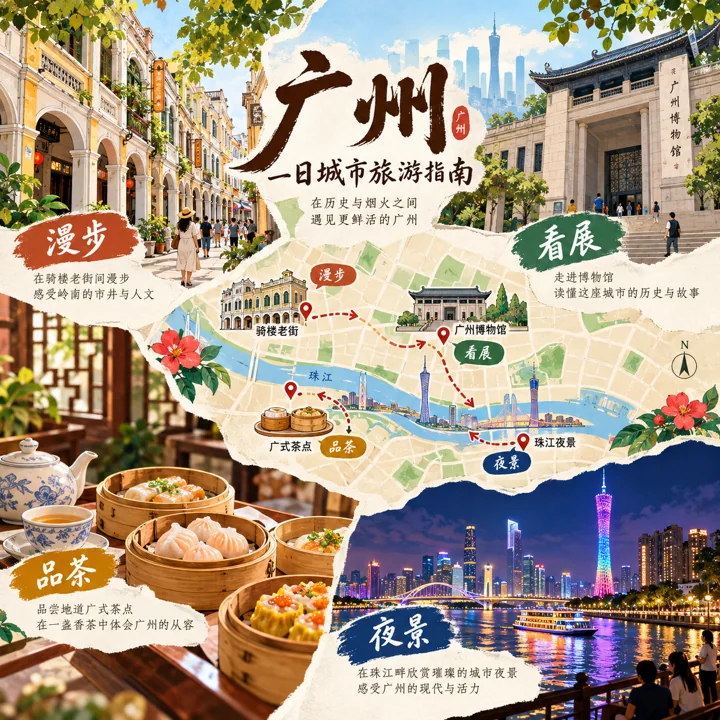
Create a conceptual city travel guide infographic themed around Guangzhou. Organize a one-day experience into four illustrated sections: arcaded buildings, the Pearl River, dim sum, and a museum. Use the short labels “漫步”, “看展”, “品茶”, and “夜景”. Mark the map as schematic and do not invent business opening information.
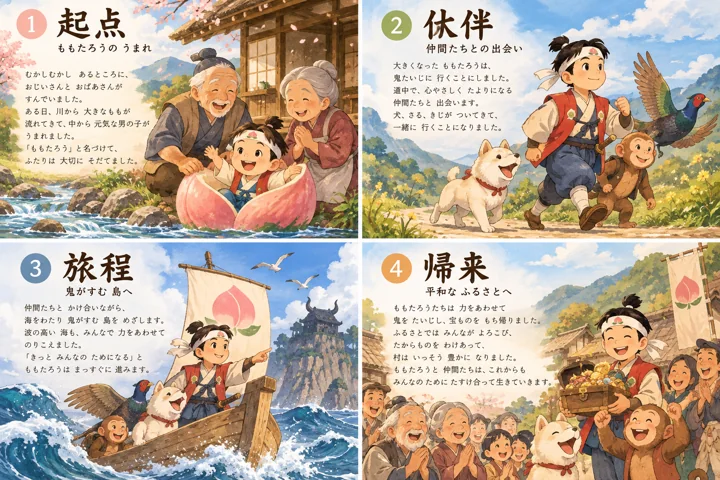
Design a collection of explanatory slides about the story of Momotaro. Organize four small pages around the beginning, companions, journey, and homecoming. Use warm Japanese hand-drawn illustrations, clear titles, and negative space. Keep character appearances consistent, tell the story in short sentences, and do not use illustrations from existing books.
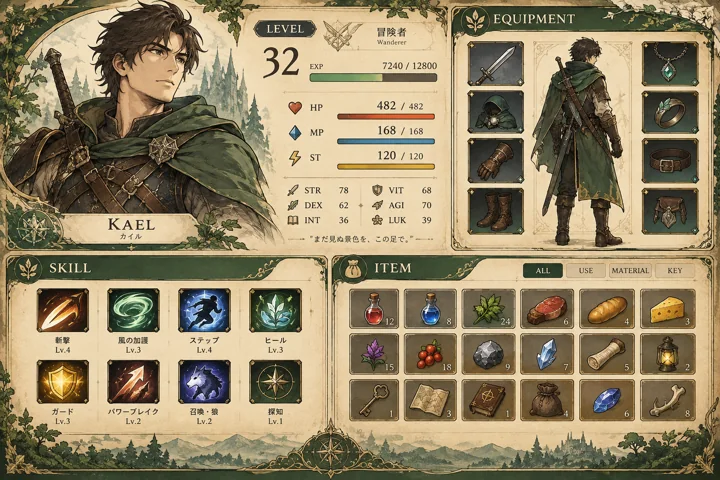
Draw an original Japanese RPG status interface. Clearly arrange an adult adventurer's portrait, equipment slots, skill icons, an inventory, and status bars. Combine warm beige paper with forest green, and use the short labels LEVEL, SKILL, and ITEM. Make the interface attractive and resemble a usable game menu.
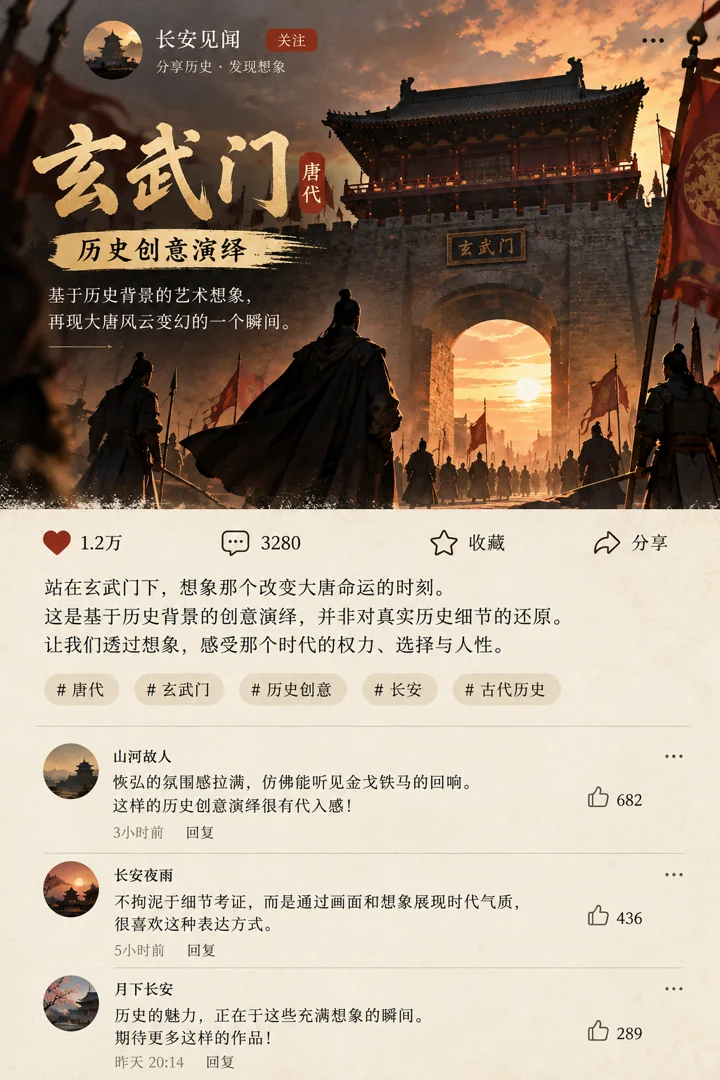
Create an imagined historical social feed interface themed around the Tang dynasty's Xuanwu Gate. Use an ancient city gate and human silhouettes as the accompanying image, with the Chinese explanation “历史创意演绎”. The post text must not impersonate original historical records. Keep the interface simple with retro colors, and do not include unverified historical quotations.
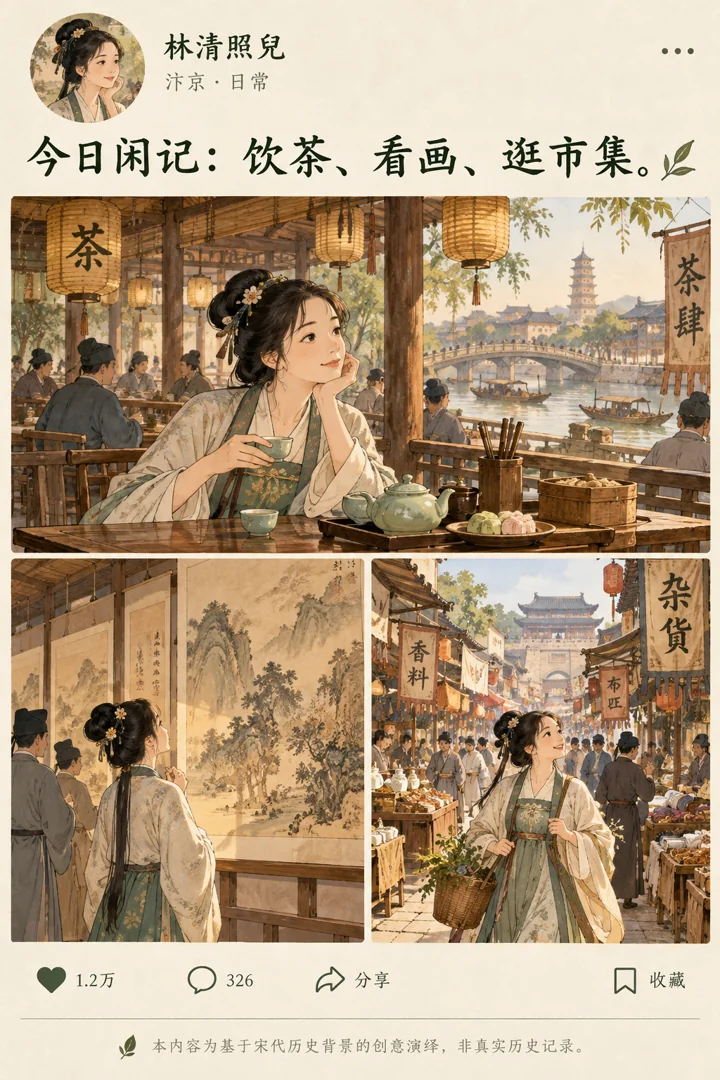
Design a fictional social feed post themed around life in the Song dynasty. Use warm illustrations of teahouses, calligraphy and paintings, and markets, with a fictional person as the account holder. Include the short copy “今日闲记:饮茶、看画、逛市集”, a beige background, and dark green text. Make clear that this is a creative historical interpretation.
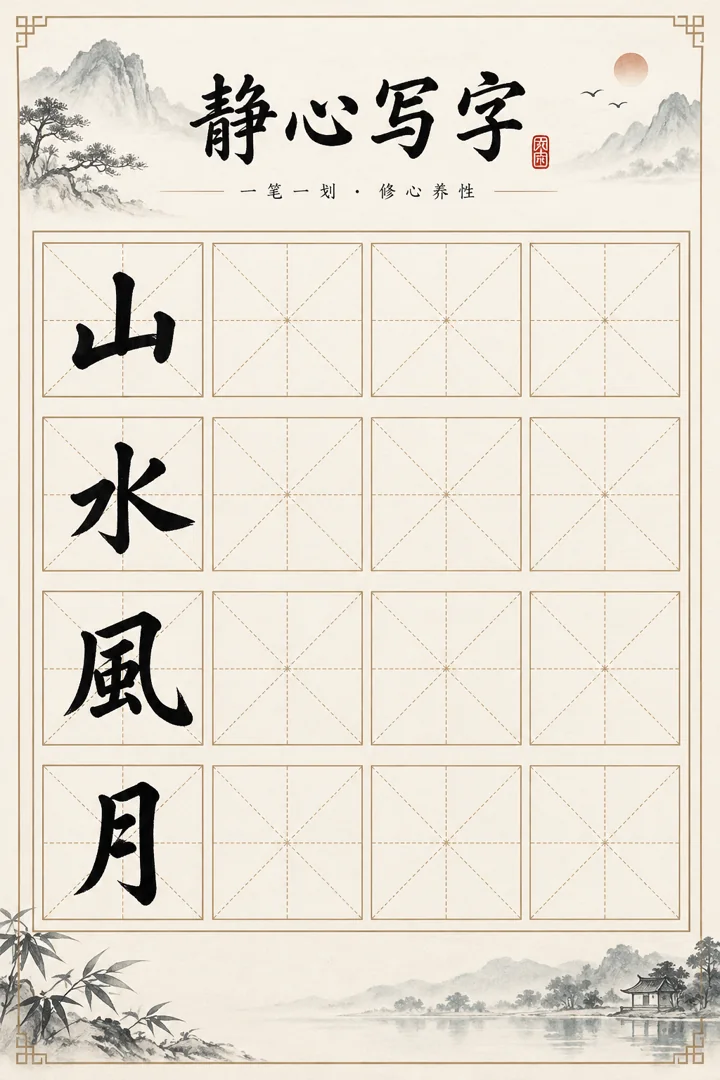
Create a modern calligraphy practice sheet. Use the title “静心写字” and demonstrate the four characters “山”, “水”, “风”, and “月” inside practice squares with horizontal, vertical, and diagonal guides. Make the black ink strokes clear and leave empty squares beside them for practice. Use warm white paper and a regular grid, with no missing strokes or garbled characters.
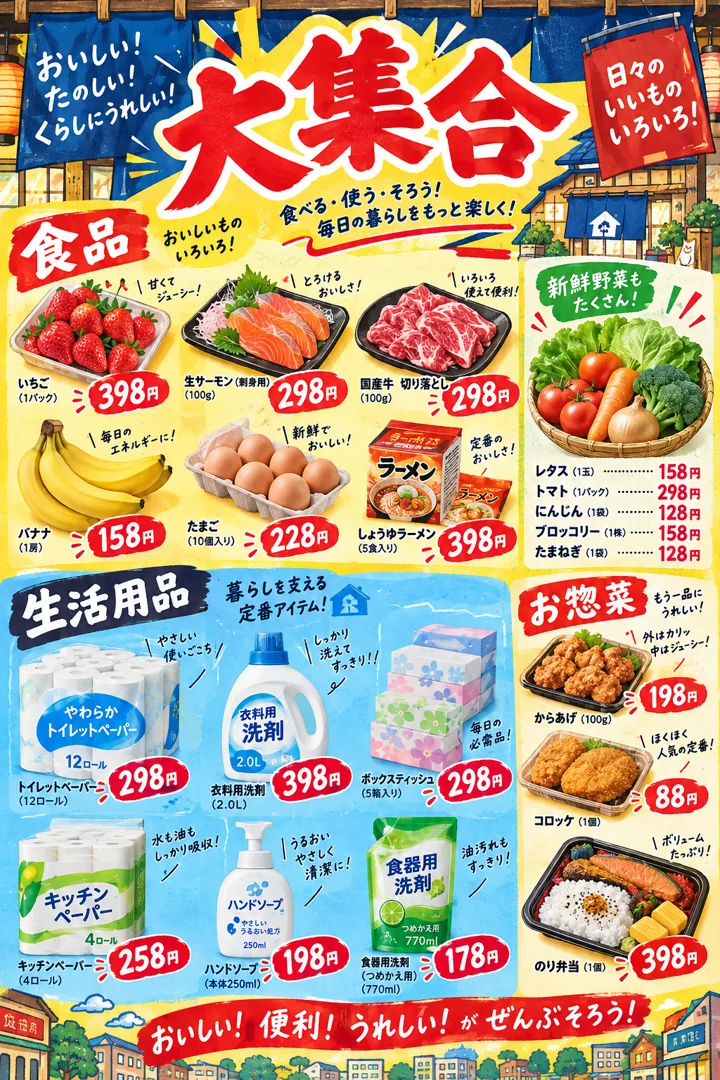
Design a fictional promotional poster in the style of a Japanese variety store. Display food and household goods in separate sections, with yellow and blue backgrounds and red price tags. Use the title “大集合” and demonstration data for product prices. Make it lively with a clear reading order, without using real shop identifiers.
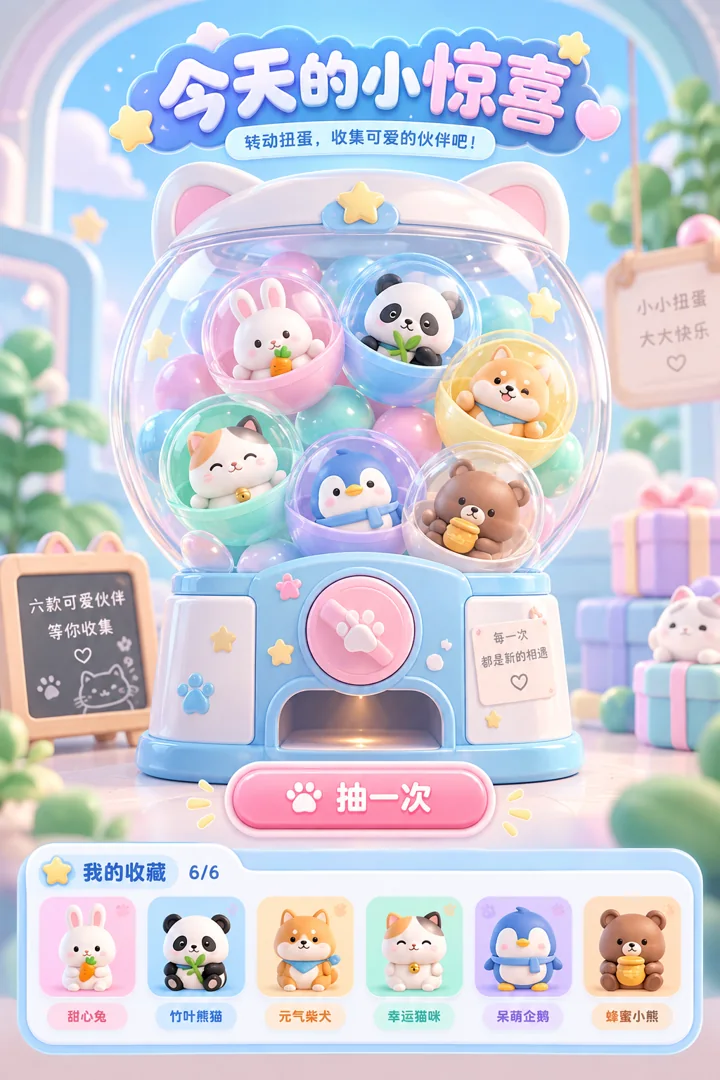
Draw an original capsule toy game interface. Include a transparent capsule machine, six cute animal prizes, a draw button, and collection slots. Use pastel blue and mint colors, rounded cards, and clear short labels, with the title “今天的小惊喜” at the top. Do not include paid-draw probabilities or false reward promises.
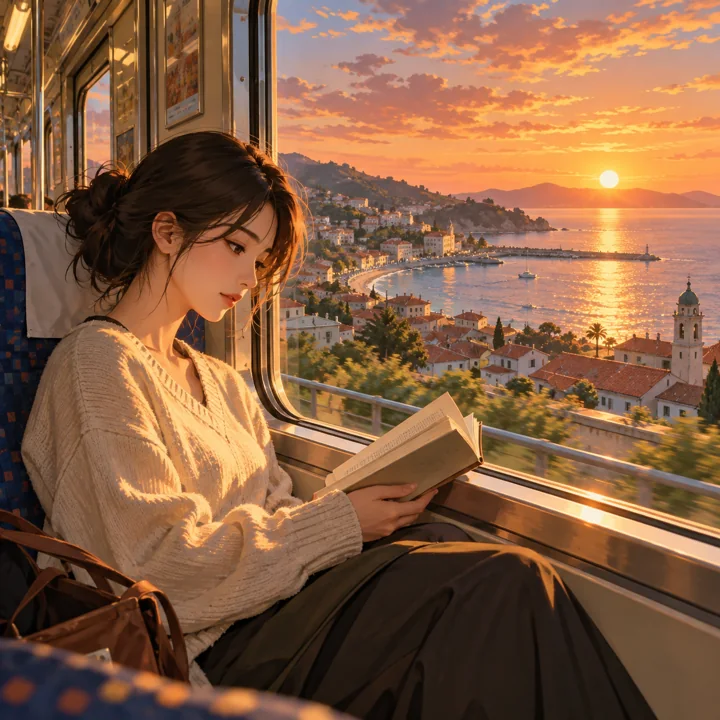
Render an original everyday scene as a high-quality animation frame: an adult reads beside a tram window, with a coastal town and sunset outside. Use accurate perspective, detailed backgrounds, natural character gestures, and a soft hand-painted texture. Do not add a player interface or watermark.
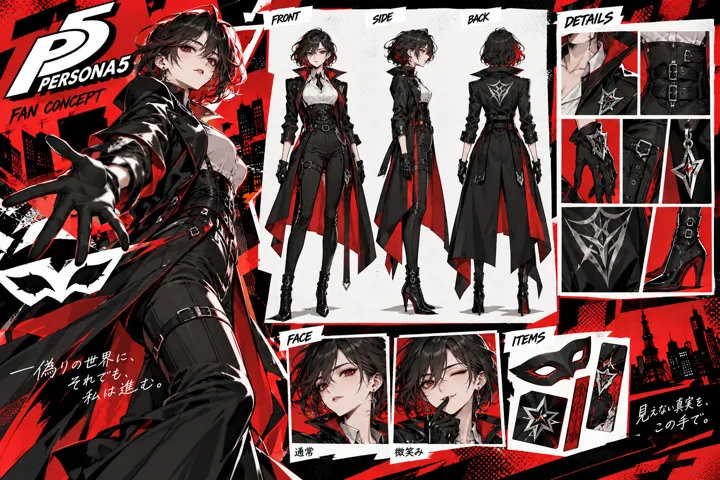
Design a character concept reference card themed around Persona 5. Show a single adult character from the front and side, along with clothing details and two expressions, against a red, black, and white graphic background. Keep the silhouette clear and clothing fully covering the body. Label it FAN CONCEPT and do not copy the layout of official reference sheets.
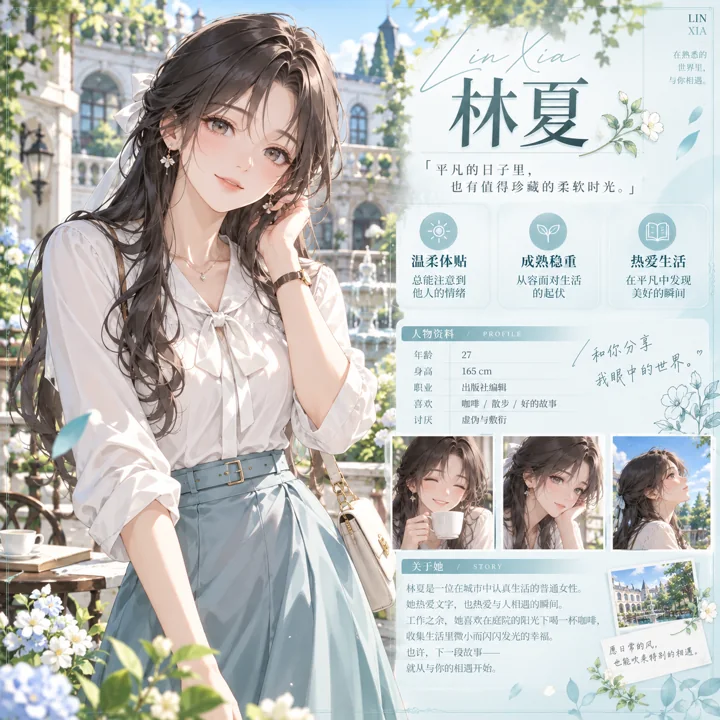
Design an original galgame visual novel character introduction page. An adult female character in neat everyday clothing stands in a bright courtyard. On the right, show the name “林夏” and three short personality labels. Use a pale cyan interface, delicate animation linework and backgrounds, and a clear, complete character introduction layout.
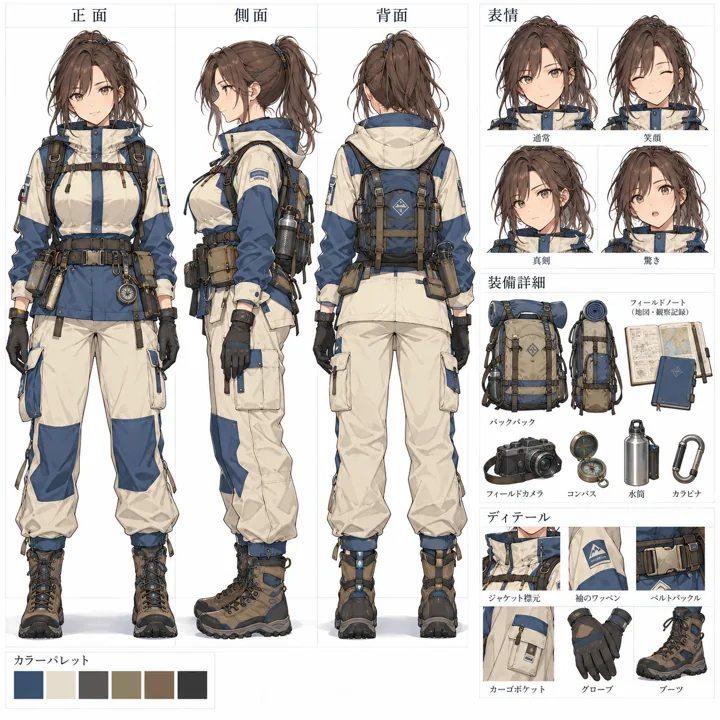
Create a Japanese-language design sheet for an original adult animated character. Include front, back, and side views, plus expression and accessory details. Keep silhouette proportions consistent, use the short labels “正面”, “背面”, “側面”, and “表情”, and arrange everything in a neat grid on white. Do not include real publisher logos.
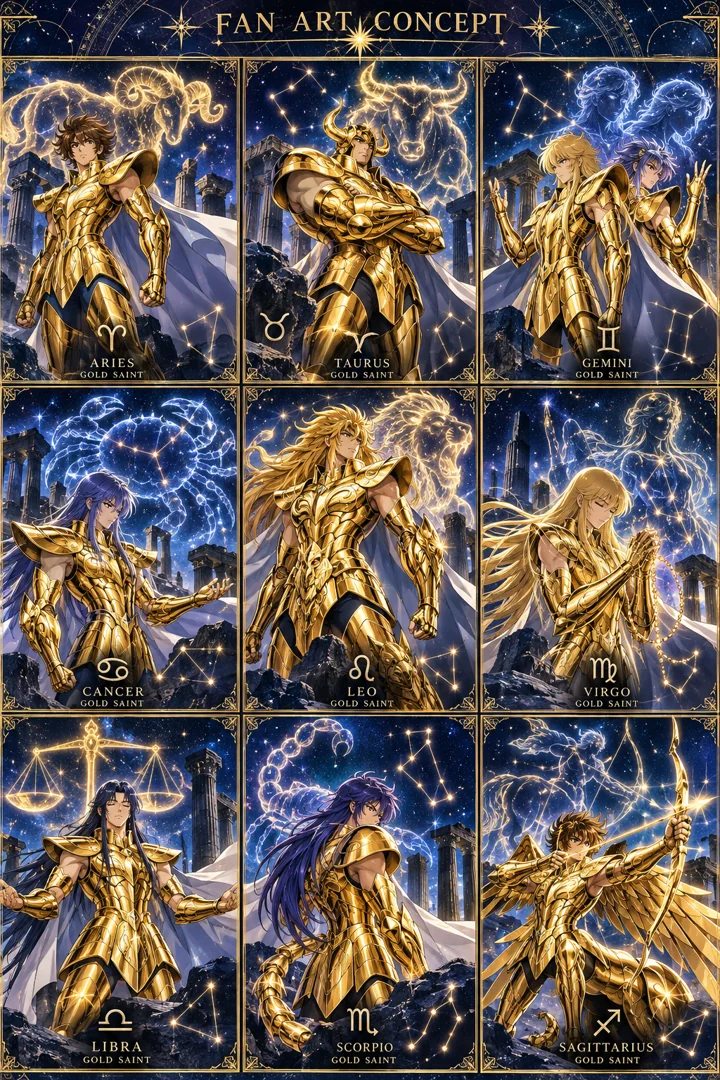
Design a gold warrior card grid themed around Saint Seiya. Across nine cells, show original concept variations of golden armor, constellation patterns, and poses. Use detailed animation artwork, a deep blue starry background, and fully covering outfits. Mark the top FAN ART CONCEPT.
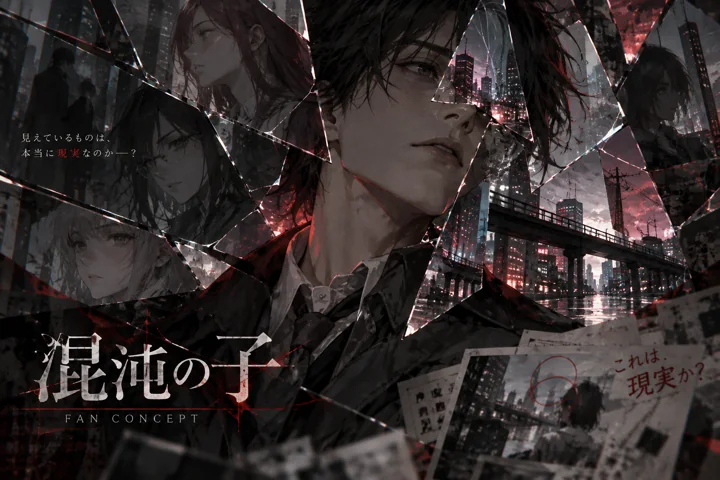
Draw a psychological suspense character concept themed around Chaos;Child. Partially obscure an adult character's face with broken-glass reflections and urban light and shadow. Use dark gray with deep red, keeping it restrained, non-gory, and strongly narrative. Label it FAN CONCEPT and do not copy imagery from existing works.
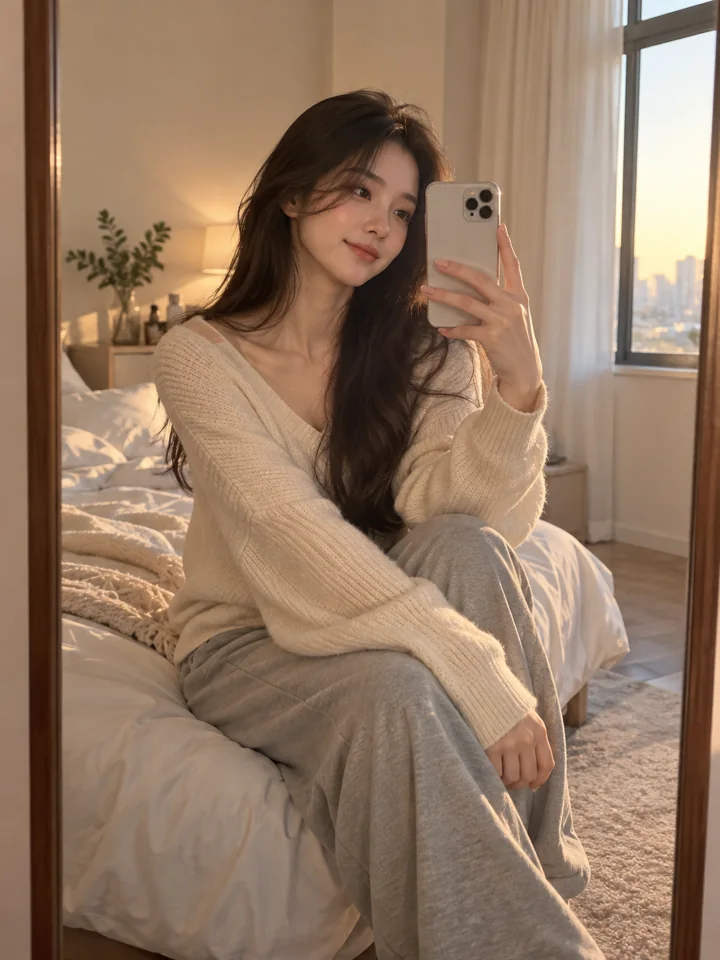
Photograph an adult woman's bedroom mirror selfie. She wears a loose knit top and casual trousers, sits on the edge of the bed, and records an everyday moment with her phone. Use warm window light, natural skin texture, and soft shallow depth of field. Keep the mirror reflection and body anatomy correct, the background simple, and add no text.
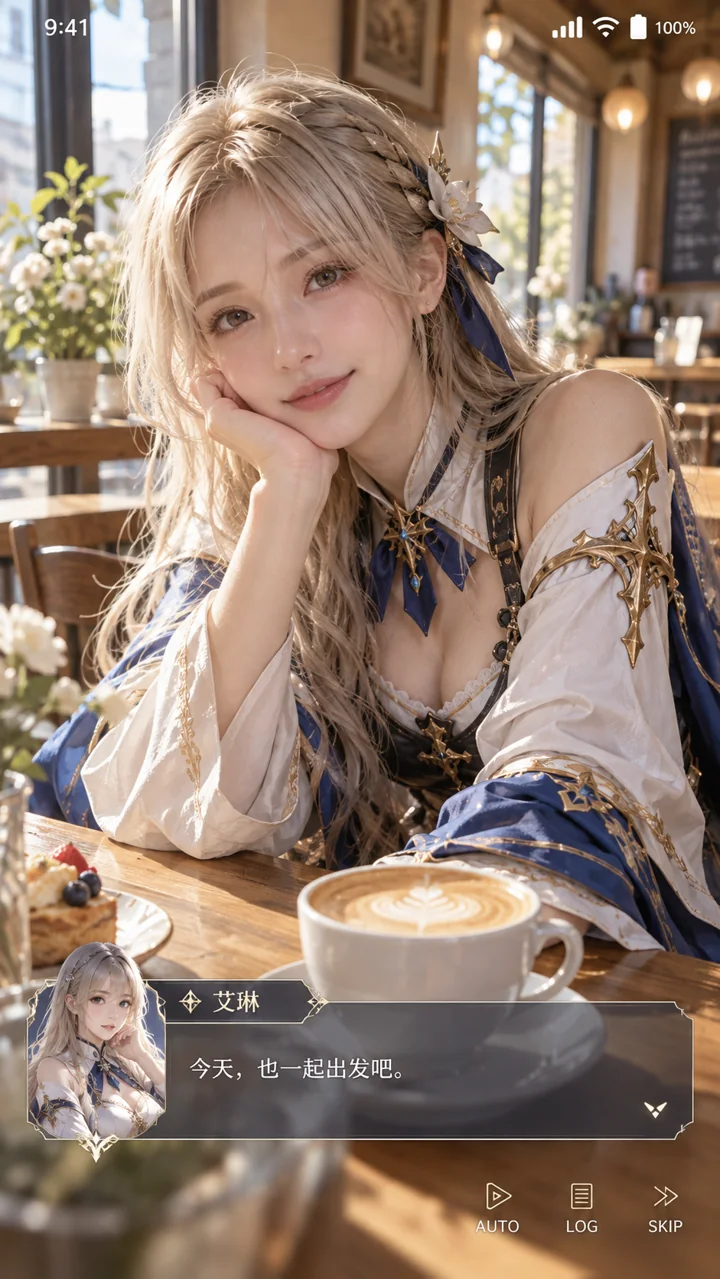
Design a vertical cosplay phone screenshot. An adult live-action cosplayer in a complete fantasy character costume sits in a bright café. Put a simple phone status bar at the top, and a translucent game dialogue box with a small avatar of the same character at the bottom. Use the short dialogue “今天,也一起出发吧”. Blend the realistic person and game interface naturally.
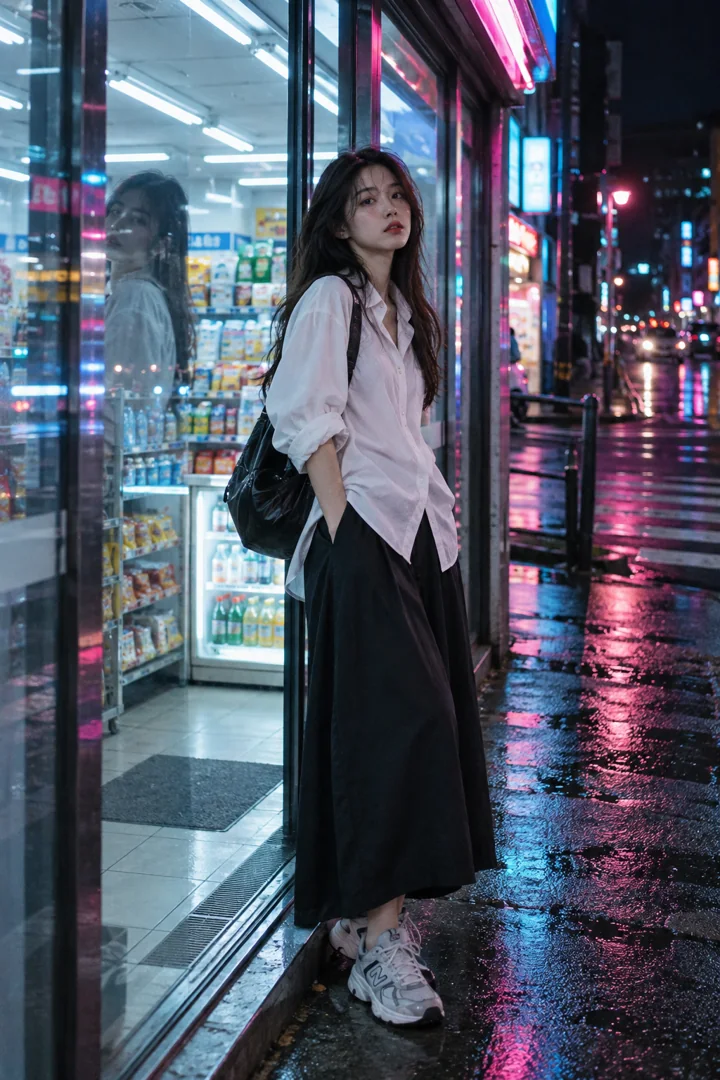
Photograph an adult street model standing at the entrance of a convenience store at night. The model wears a loose white shirt, a dark long skirt, and sneakers, with a natural pose. Interweave cool store lighting with cyan and pink neon outside, use credible glass reflections, and retain film grain and real skin texture. Add no advertising text.
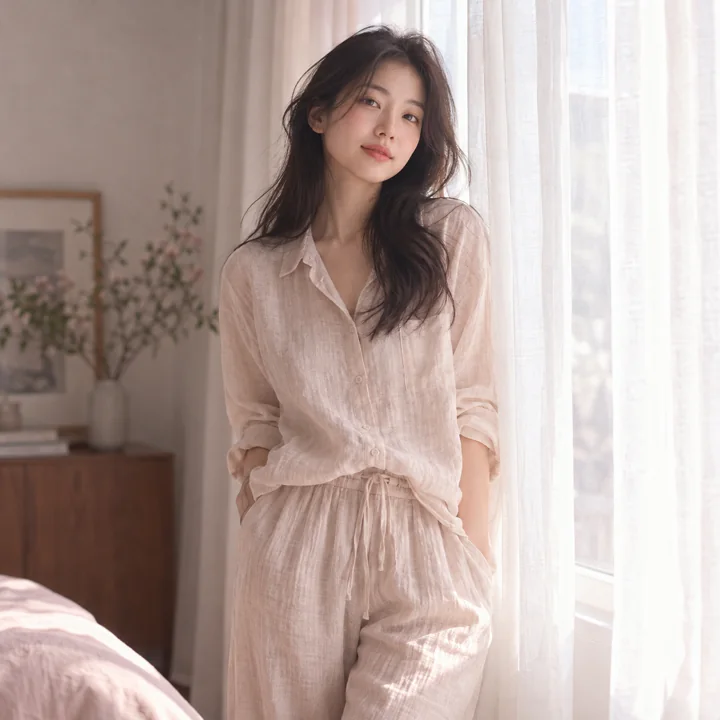
Photograph a natural portrait of an adult East Asian woman standing beside white curtains. She wears a light-colored linen top and loose trousers. Use soft diffused window light, low-contrast pale pink tones, and subtle film grain. Keep the composition relaxed and the expression calm, preserving real skin and clothing textures.
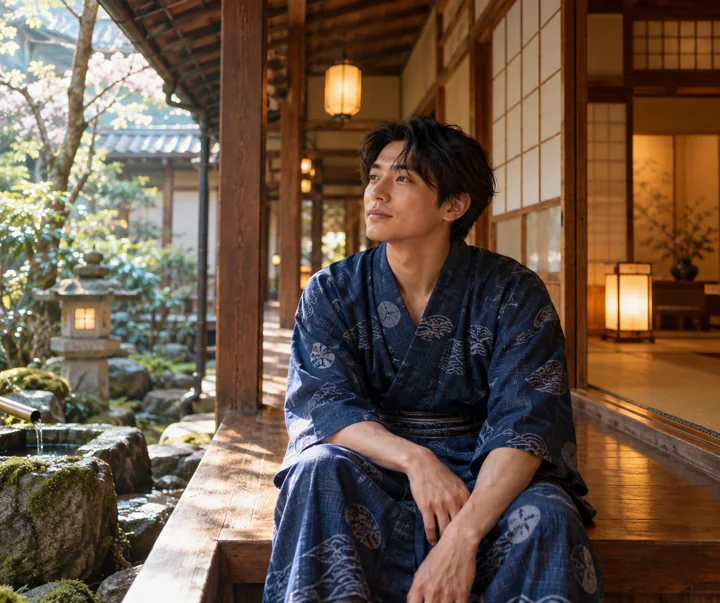
Photograph an adult traveler resting in the wooden corridor of a Japanese hot spring inn. The traveler wears a neatly arranged dark blue yukata with a closed neckline and sits naturally. Paper doors, lanterns, and a garden form the background. Blend warm wood-toned lighting with early morning window light, use vintage film texture, and add no text.
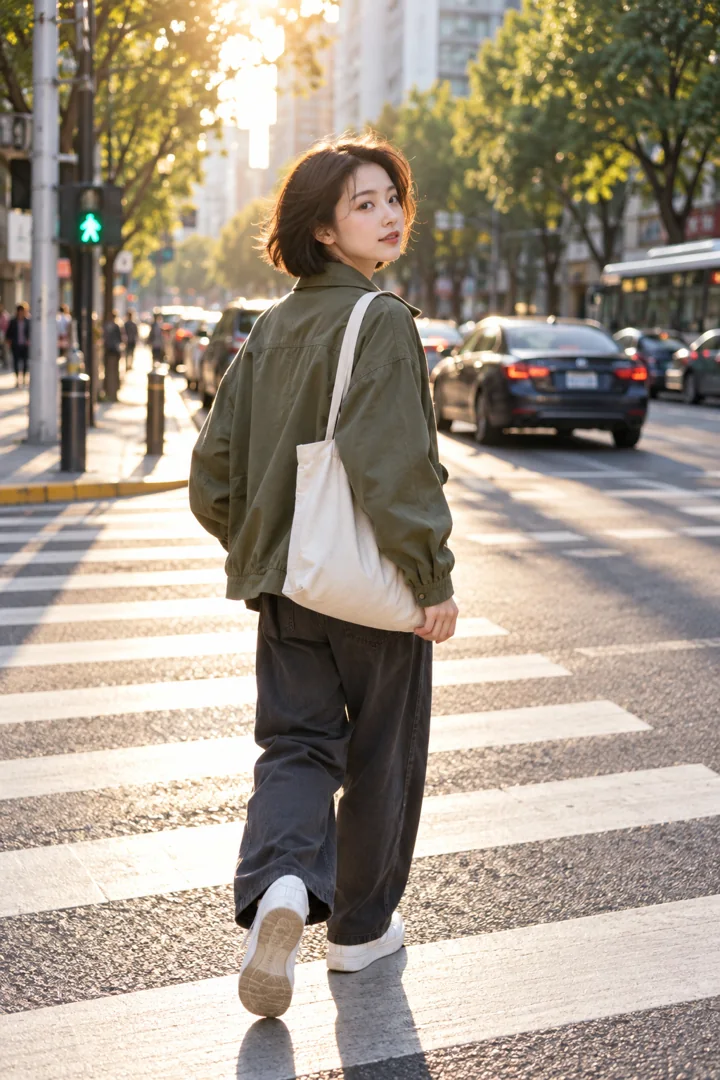
Photograph a street portrait of an adult woman with short hair turning back at a city intersection. She wears an olive-green jacket, casual trousers, and white sneakers, carrying a simple canvas bag. Use afternoon backlight and a crosswalk to guide the composition, with slightly blurred cars and trees in the background, natural movement, and clear facial features.
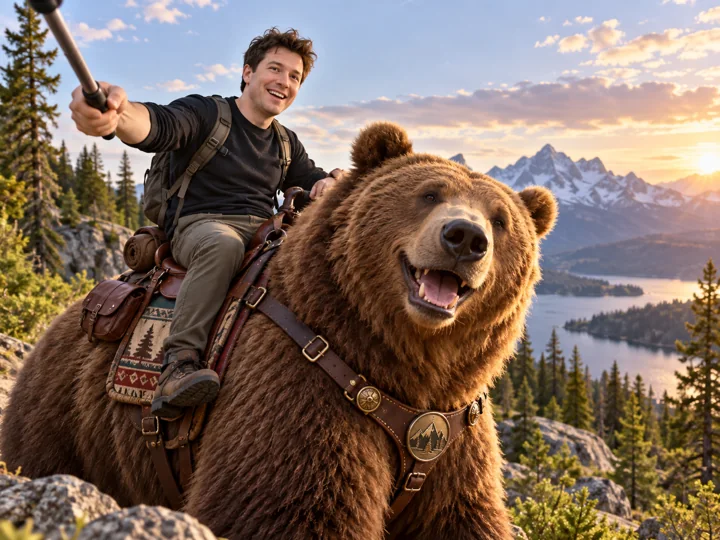
Create an explicitly fictional, playful composite image: Sam Altman and an exaggeratedly large, friendly brown bear pose together in a forest. He sits in a fantasy saddle on the bear's back, holding up a selfie stick in one hand. Keep the composition relaxed and humorous and the bear's posture gentle, with no suggestion of a real event or news interface.
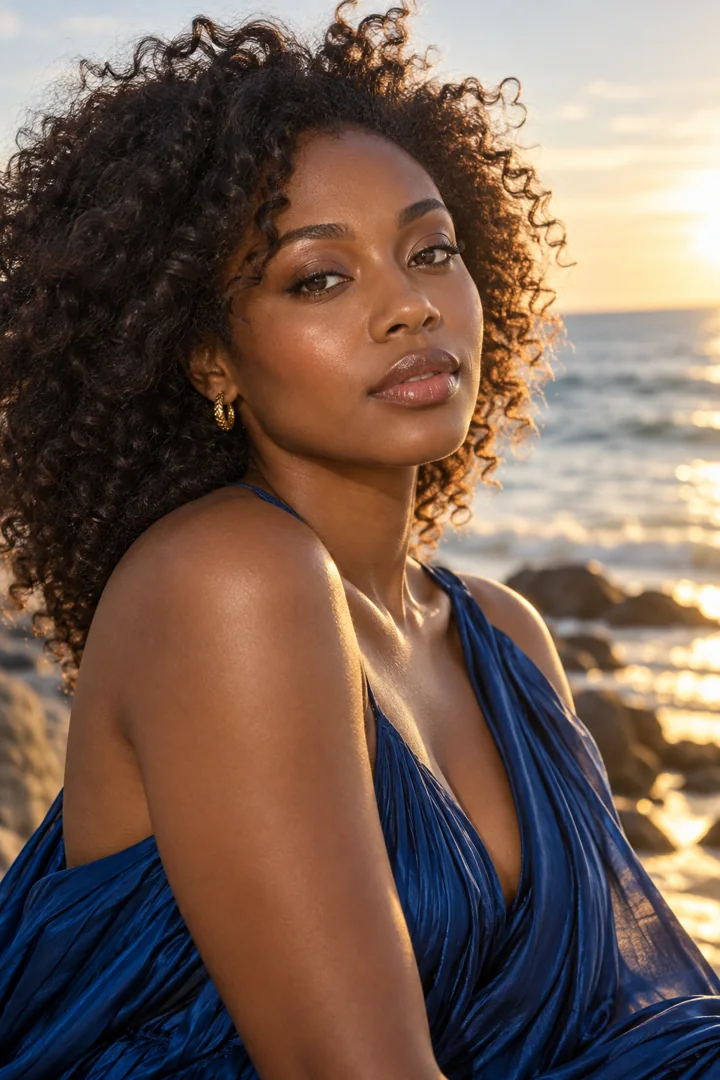
Photograph a high-end beauty portrait of an adult Black woman. She has natural curls, wears deep sapphire-blue clothing and small gold earrings, and has a composed expression. Use soft seaside light, realistic skin, and warm highlights. Keep the composition simple, retain fabric textures and natural hair strands, and add no brand logos.
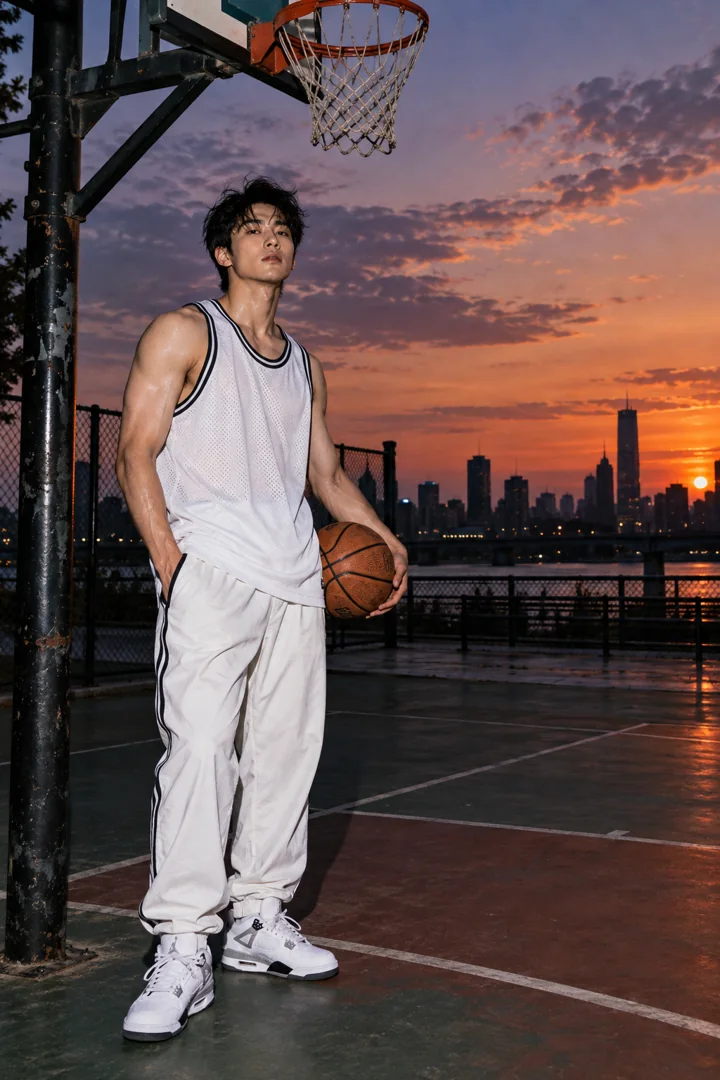
Photograph a direct-flash portrait of an adult sports model on a basketball court at dusk. The model wears a loose white jersey, track pants, and athletic shoes, standing naturally near the hoop support. On-camera flash creates distinct catchlights and short shadows, while the background sky retains its twilight colors. Use fine film grain and no text.
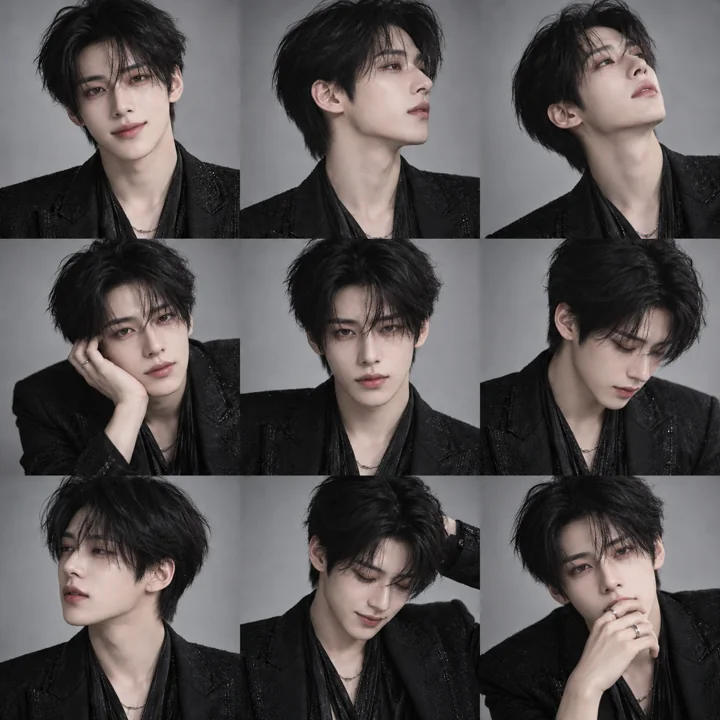
Create a nine-panel portrait grid of the same fictional adult Korean idol. Keep the face and clothing consistent in each cell, varying subtle expressions and movements such as a slight smile, profile view, looking up, and looking down. Use a light gray background, soft studio lighting, a restrained black-mist filter texture, and a neat 3×3 layout.
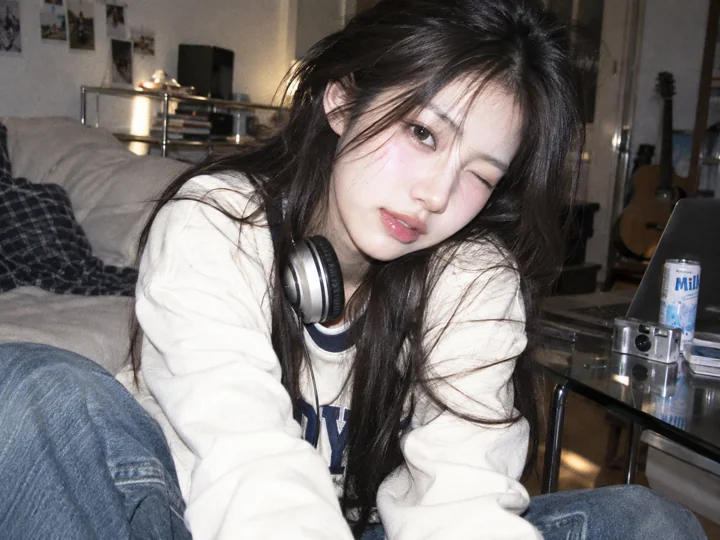
Create a CCD-camera-style photoshoot of a fictional adult Korean idol. Use an everyday indoor setting, direct flash producing crisp highlights, slight color shifts, and fine noise. The person wears neat casual clothing and poses in a lively, natural way. Avoid excessive skin smoothing and plastic-looking skin.
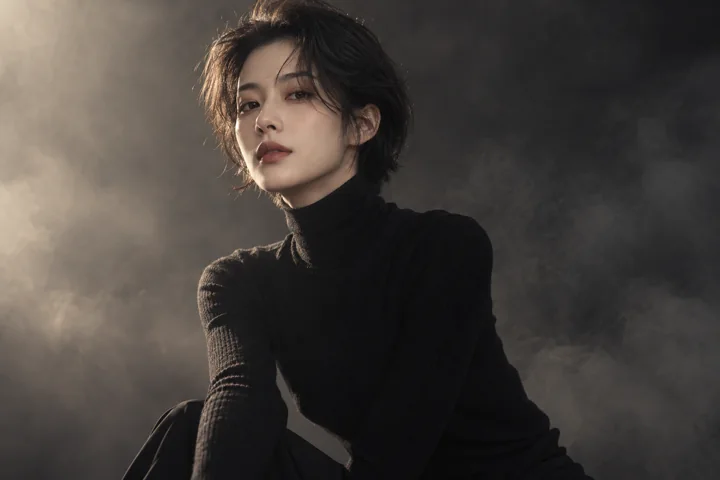
Photograph a medium-shot portrait of an adult fashion model in a minimalist studio. Use a dark turtleneck, a neat short haircut, soft side lighting, and a subtle black-mist filter effect. Keep outlines clear and highlights soft, with a muted warm-gray palette and realistic facial details.
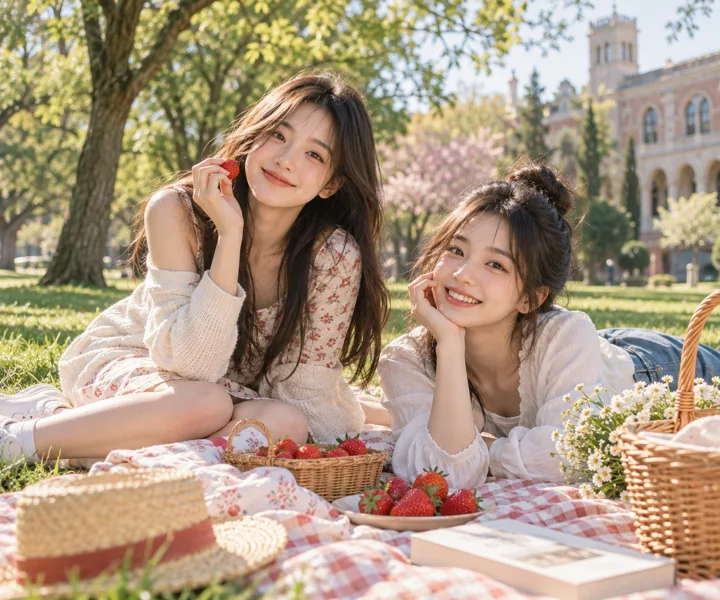
Photograph two adult university students having a picnic on a campus lawn in spring. Place strawberries and a small basket on the picnic cloth. They wear relaxed everyday clothing and smile naturally. Let green and pale red complement each other, with soft film color grading and afternoon sunshine, keeping the image clear and relaxed.
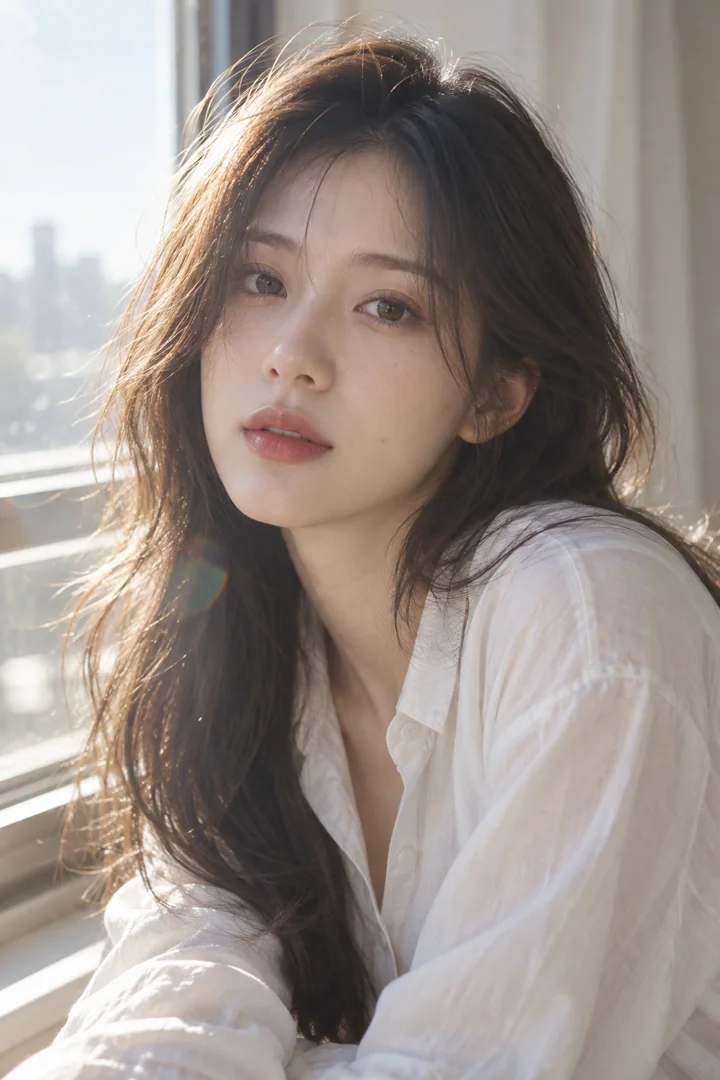
Photograph a fictional adult idol near a window. Use a light-colored shirt and natural hairstyle, even soft lighting, a little halation, and a low-contrast film texture. Keep the expression quiet and preserve realistic facial texture, with a simple background and no text.
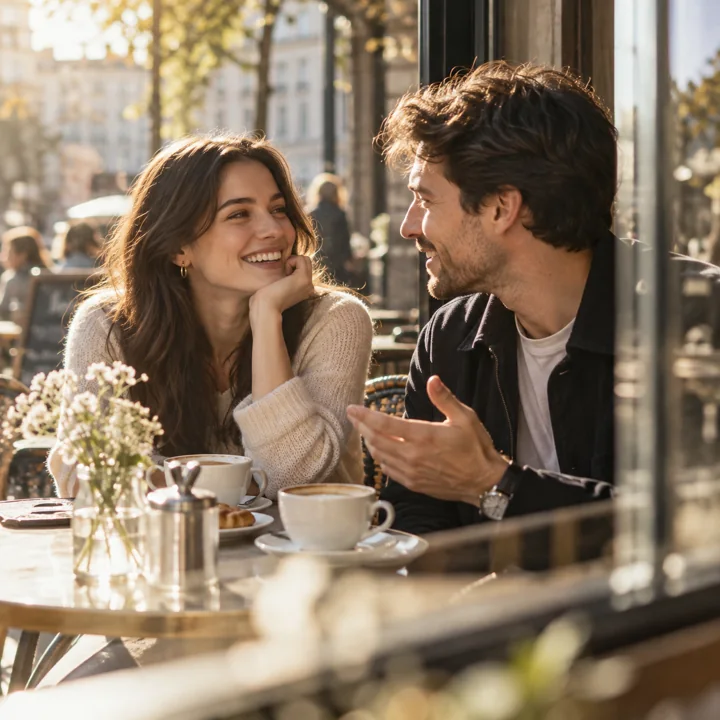
Photograph a natural portrait of an adult couple at a sidewalk café. They converse rather than deliberately pose, while warm sunlight illuminates their faces. Use coffee cups and window glass in the foreground, soft film colors, credible hands and body anatomy, and an everyday-life composition.
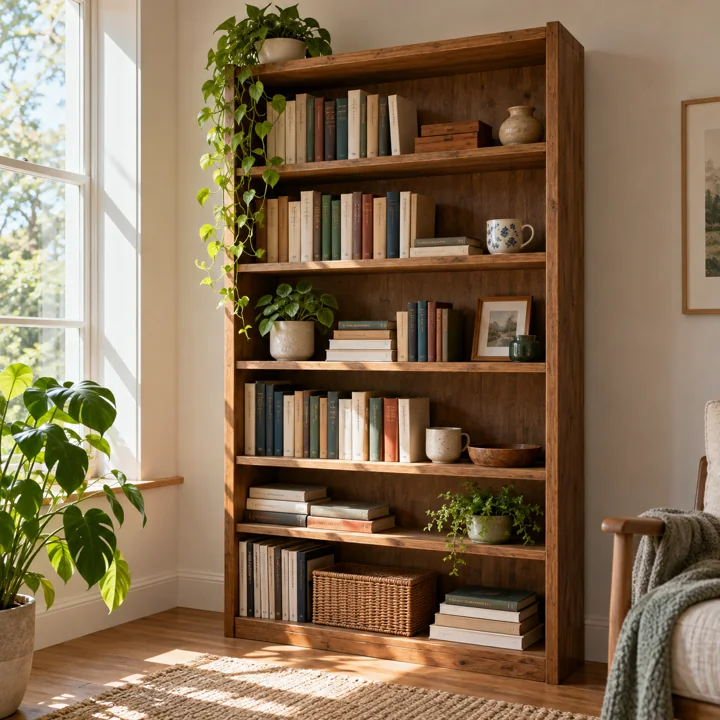
Generate a photograph of a wooden bookshelf suitable for prompt comparisons. Include six shelves, books of different sizes, a ceramic cup, and two small potted plants. Use window light from the left, accurate perspective, and natural wood grain. Keep object positions clear and the background simple, with no text or watermark.
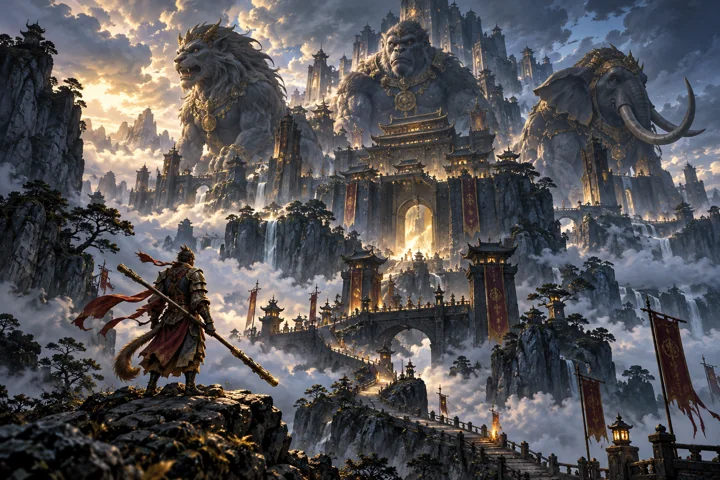
Draw a mythological fantasy concept scene of Lion Camel Ridge. Include a monumental stone fortress, a mountain path in mist, and silhouettes of three types of beast-shaped guards. Use deep blue and dark gold, spectacular layering, and the texture of traditional mythological illustration. Do not depict gore or dismemberment.
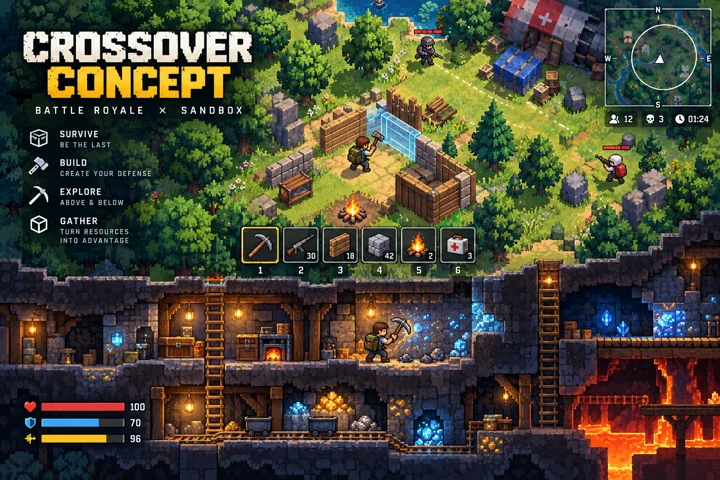
Draw a game concept blending tactical competition with a pixel sandbox. In a pixelated forest and underground mine tunnels, original characters use tools to build cover. Naturally combine top-down and side-scrolling elements, with a clear game UI. Label it CROSSOVER CONCEPT and do not fabricate an actual game screenshot.
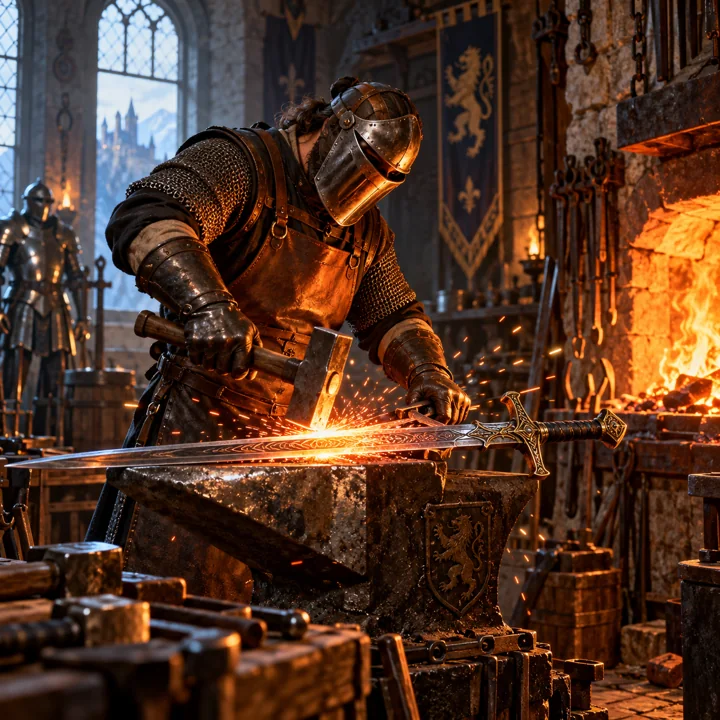
Generate a fantasy photograph of a smithy: a blacksmith polishes a decorative longsword beside a warm forge. Make the sparks, hammer, and metal material details credible, and dress the person in full protective clothing. Contrast warm firelight with cool window light, use a powerful composition, and do not depict violence.
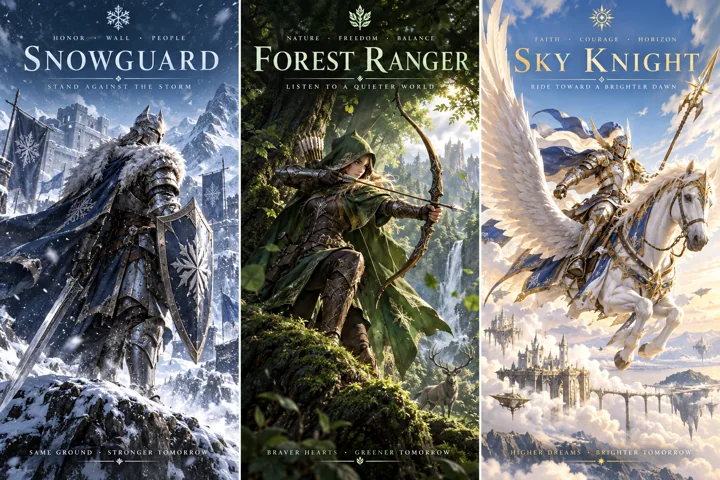
Design a set of three original battle-story concept posters, respectively featuring a snowfield guard, a forest ranger, and a sky knight. Use full armor, different environments, unified typography, clear titles, and a consistent color system. Make the action dynamic but non-gory.
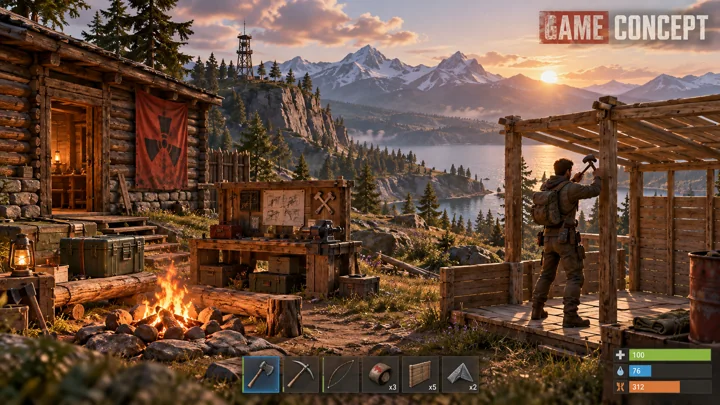
Draw a survival-game concept scene themed around Rust. Include a wooden cabin, campfire, workbench, and distant mountains in the wilderness, with an original adult character building a shelter. Show a simple toolbar in the interface and the label GAME CONCEPT. Keep details credible without presenting it as a real screenshot.
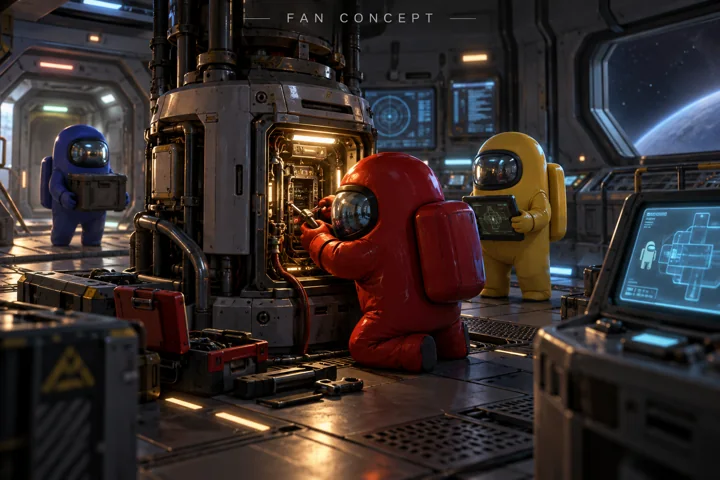
Draw a realistic-style game concept themed around Among Us. Colorful astronauts repair equipment in a spacecraft workshop, surrounded by metal compartments, displays, and soft light. Keep the characters' silhouettes simple, place FAN CONCEPT at the top, and do not copy existing screenshots.
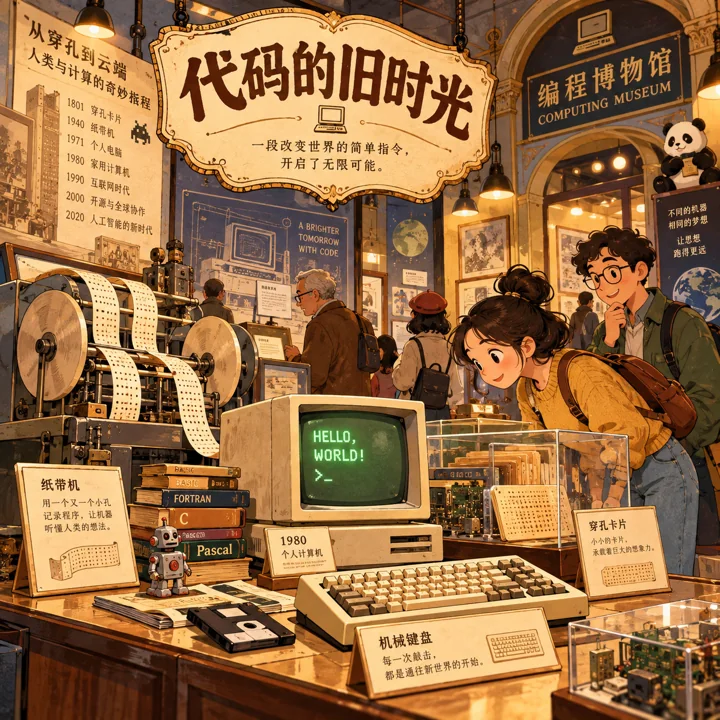
Draw a cartoon illustration of a retro programming museum. Include old computers, paper-tape machines, keyboards, and adult visitors in everyday clothing. Use a warm printed texture and cute yet finely detailed props, with the title “代码的旧时光”. Make the image feel like a storybook illustration.
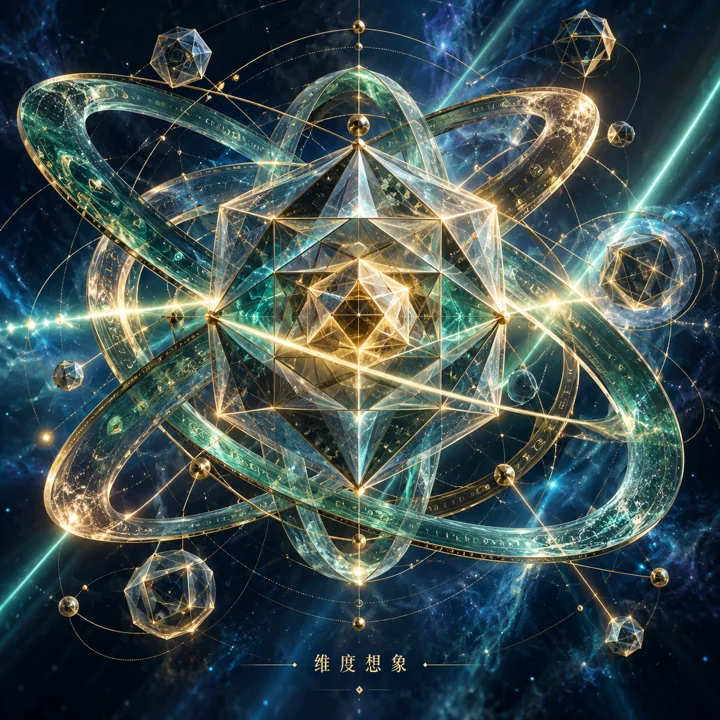
Draw an artistic illustration of higher-dimensional geometric projection. Polyhedra, ring structures, and intersecting rays of light unfold in a deep blue space. Use teal and gold, precise geometric edges, and soft volumetric light. Add the short label “维度想象” and do not claim it is a verifiable real fourteen-dimensional projection.
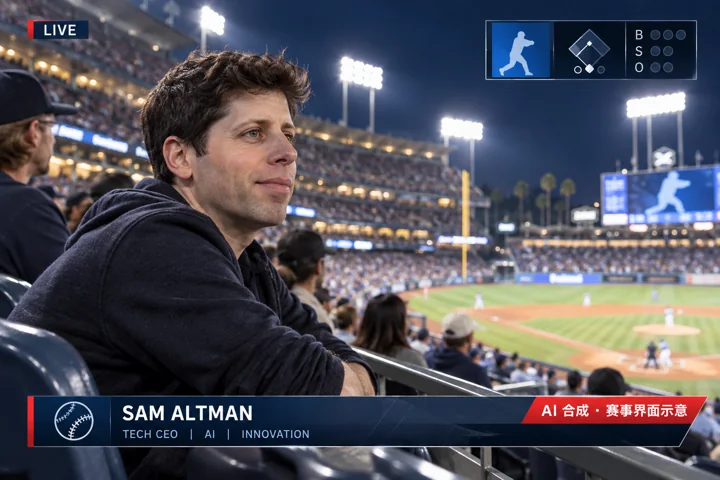
Create a fictional broadcast image concept of Sam Altman watching a baseball game. Include spectator stands, stadium lighting, and a simple scoreboard, with the prominent label “AI 合成 · 赛事界面示意”. Do not display actual match results or imply a real attendance record.
Seedance and MiniMax H3 rates depend on model, resolution, references and channel. See current model pricing. MiniMax H3 promotional original 768P: $0.0444 per output video second, minimum 4 seconds.
Prices use wallet USD. Final charges depend on model, channel and actual usage. · Price checked at 2026-11-03 17:09 UTC
How much does AI creation cost?
How much do Seedance and MiniMax H3 Full Version videos cost?
Seedance and MiniMax H3 rates depend on model, resolution, references and channel. See current model pricing. MiniMax H3 promotional original 768P: $0.0444 per output video second, minimum 4 seconds.
How much does GPT image generation cost?
GPT image models can charge per output image or by usage. See current model pricing. Fixed-price GPT images: from $0.17652 per output image.
How do I choose a model and start creating?
The GPT image creation link opens Studio, where you can choose an available model and channel and pay by actual usage. See model pricing for Seedance and MiniMax H3 Full Version specifications, current rates and access. Studio shares your Panda AI account and wallet.